
Key takeaway
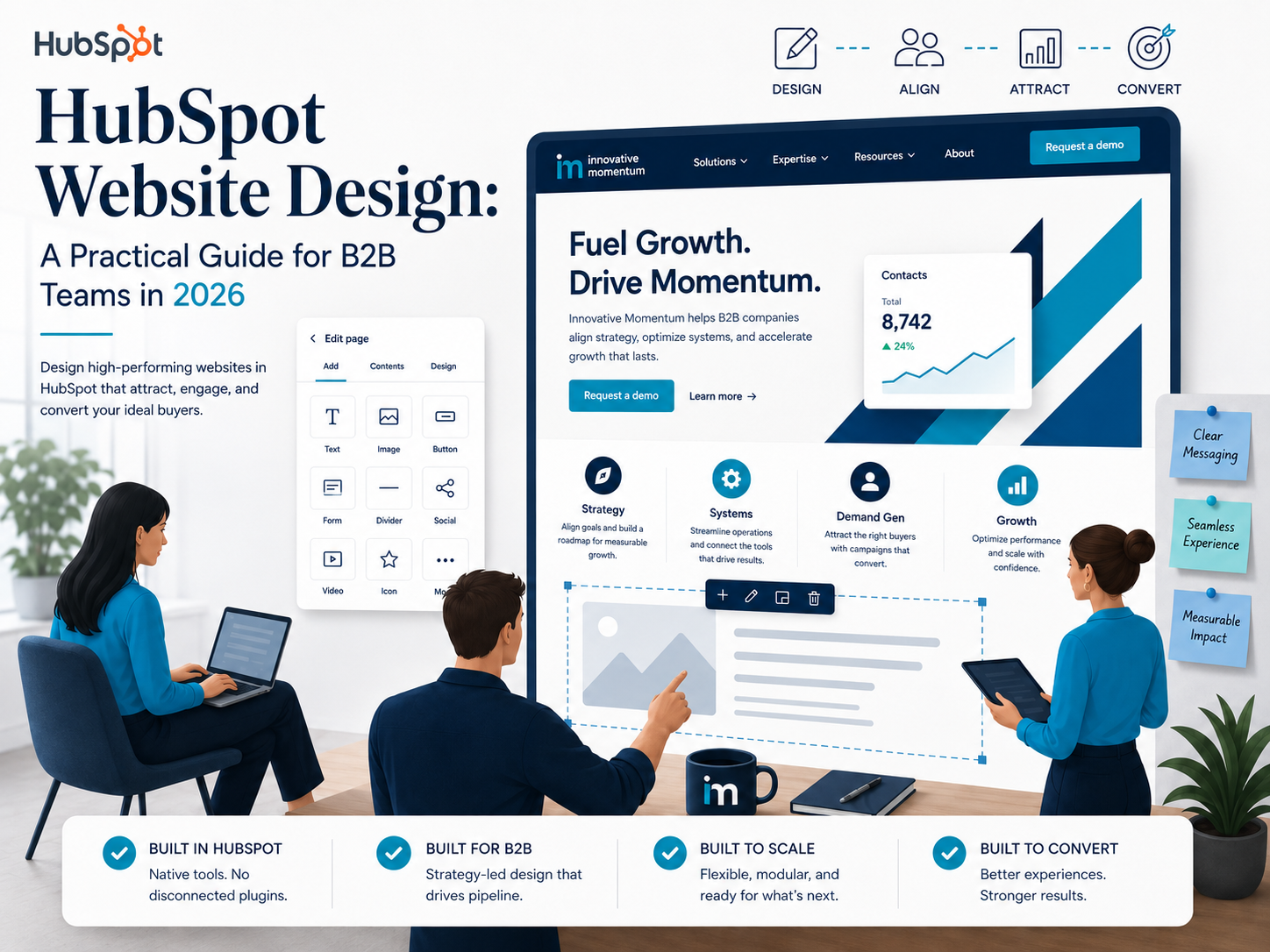
HubSpot website design is not just about aesthetics. The most valuable outcome is a site where marketing can publish independently, forms feed CRM automatically, and sales can see which pages a lead visited before they called.
Why HubSpot Website Design Is Different From Standard Web Development
Most web design projects end at launch. The client gets a polished site, the agency hands over credentials, and that’s the last meaningful conversation between design and marketing for two years. HubSpot website design works differently — and that difference matters a great deal for B2B companies that rely on their website to generate leads, route contacts into CRM, and give sales teams useful data about what visitors actually do.
The HubSpot CMS is built around the idea that marketing teams should be able to keep improving the website without calling a developer every time. That’s a reasonable goal. The problem is that reaching it requires a level of architectural planning that most HubSpot projects skip. Themes get configured, modules get dropped onto pages, and within six months the marketing team is back to asking developers to fix things because the build wasn’t designed for independent editing in the first place.
This guide covers what a well-planned HubSpot website actually looks like — from the module architecture decisions made before a single line of HubL is written, to the CRM integration setup that makes every form submission immediately useful to the sales team.
Start With the Publishing System, Not the Visual Design
The biggest mistake in HubSpot website projects is treating the design phase the same way you’d treat a static site design. On a static WordPress site, design decisions mostly affect how the page looks at a single point in time. On a HubSpot site that your marketing team will edit for the next three years, design decisions determine what the team can and can’t change without developer help.
Innovative Momentum
Want to implement these strategies for your business?
We help businesses grow with digital marketing, SEO, and AI-ready content strategies.
Before any visual work begins, you need to answer three questions:
- Which page elements will marketing need to update regularly (copy, images, CTAs, stats)?
- Which elements should stay locked to preserve design consistency (typography, spacing, brand colors)?
- What new page types will the team need to create independently six months from now?
The answers to these questions determine how your HubL modules get built. A field that’s locked vs. editable is a design decision, not just a technical one. Getting it wrong means either a site that feels rigid and requires constant developer involvement, or a site that gets visually inconsistent within a year because every editor can change whatever they want.
Custom HubL Modules vs. Marketplace Themes
HubSpot’s marketplace has hundreds of themes, and for some projects they’re the right starting point. For most B2B companies with specific lead generation goals and CRM workflows, they’re a shortcut that costs more in the long run than a focused custom build.
Marketplace themes are designed to be general-purpose. They handle a wide range of use cases by exposing a large number of editable fields. That flexibility sounds like a benefit, but it means the design can drift in almost any direction depending on who’s editing. Brand consistency requires editorial discipline, not just a well-configured theme.
Custom HubL modules, by contrast, are built for a specific purpose. A hero module for a B2B SaaS company is built differently than one for a professional services firm. The fields that are exposed, the layout options that are permitted, the responsive behavior on mobile — all of these are decisions that should be made for your specific use case, not inherited from a general-purpose theme.
The companies that get the most value from HubSpot over time are the ones that invest in a custom module library at the start. These modules are reusable, on-brand, and designed for the team that will actually use them.
CRM Integration: Connecting the Website to Sales
A HubSpot website that isn’t properly integrated with the CRM is leaving its most valuable capability on the table. Every form submission, every page visit, every CTA click generates data that should be flowing into contact records and informing how sales teams follow up.
The integration work is more nuanced than it looks. Forms need to be mapped to the right CRM properties. Lead routing rules need to be set up so that submissions go to the right owner based on geography, company size, or service interest. Follow-up sequences need to trigger automatically without requiring manual action from the sales team every time a lead comes in.
At the same time, the forms themselves need to be designed for conversion, not just data collection. Long forms with fifteen required fields kill conversion rates. Progressive profiling — where returning visitors see fewer fields because HubSpot already knows some of their information — is one of the most underused features in HubSpot website design.
The setup work for CRM-connected forms isn’t complicated, but it requires a clear understanding of the sales process before the website build begins. What information does sales actually need at the first contact? What can wait until the second touchpoint? These questions should drive form design, not be answered after the forms are already live.
Content Architecture and the Long Game
HubSpot’s CMS makes it easy to publish new pages. That’s both a strength and a risk. Without a clear content architecture, HubSpot sites accumulate pages in a way that eventually hurts SEO performance and makes the navigation structure confusing for visitors.
A well-planned HubSpot website has a content hierarchy that reflects both the user’s journey and the way search engines understand topical relevance. Service pages link to supporting content. Blog posts reference the relevant service pages. Case studies connect the two. This isn’t a new concept — site architecture has always mattered for SEO — but HubSpot’s publishing flexibility makes it easy to skip the planning work and regret it later.
SEO Configuration Inside HubSpot
HubSpot has solid built-in SEO tools, but they require deliberate configuration to be useful. The meta title and description fields, canonical URL settings, and sitemap controls are all accessible from the page editor — but they’re only as good as the process you build around them.
A few things that B2B HubSpot sites consistently get wrong on SEO:
- Leaving the default page title format unchanged, which results in every page title ending in the company name twice or in a format that eats into character limits
- Using the blog post title as the meta title without optimizing it separately for search — the two often serve different purposes
- Creating landing pages for paid campaigns that are set to noindex but then referenced in internal navigation, confusing crawlers
- Setting up HubSpot’s smart content features without thinking through how they affect what search engines see
Schema markup is also worth addressing early in a HubSpot website project. HubSpot allows custom code in the head section, which makes it straightforward to add JSON-LD structured data for Organization, Service, BreadcrumbList, and WebPage schema types. Getting schema in place at build time is much easier than retrofitting it later.
Migration Planning: Moving an Existing Website Into HubSpot
For companies moving an existing website into HubSpot — whether from WordPress, Webflow, Squarespace, or a custom build — the migration is often the most underestimated part of the project. It’s tempting to treat it as a copying exercise: take the existing pages, re-create them in HubSpot’s CMS, and declare the migration complete.
That approach almost always creates problems. Existing page URLs need to be mapped to their new equivalents, with 301 redirects in place before launch to preserve search rankings. Content that’s outdated or underperforming is better revised or removed during the migration than carried over unchanged. Internal links need to be updated throughout. The XML sitemap needs to be submitted to Google Search Console after launch.
The companies that handle HubSpot migrations well treat them as an opportunity to improve the site’s content architecture, not just change its technical platform. Migration planning should include a content audit, a URL mapping document, and a redirect strategy before any development work begins.
What to Look for in a HubSpot Website Design Agency
Not all HubSpot agencies approach website projects the same way. Some specialize in rapid theme configuration using marketplace assets — fast and affordable, appropriate for some use cases, limiting for others. Some focus on the technical development side without deep involvement in marketing strategy. A smaller number combine HubSpot development expertise with a clear understanding of B2B marketing and CRM workflows.
When evaluating a HubSpot website design agency, the most useful questions are about process rather than portfolio. How do they approach module architecture decisions? What’s their process for connecting forms to CRM workflows? How do they handle post-launch support when the marketing team needs changes? The answers reveal whether the agency is building something your team can actually work with, or something that looks great at launch and becomes a maintenance burden six months later.
HubSpot CMS Developer certification is a useful baseline signal, but it’s not the complete picture. Look for agencies that can talk about specific decisions they made on past projects — why they chose a custom build over a marketplace theme, how they structured a particular module’s editing fields, what they did differently on a migration project that had SEO complexity. Specific answers to specific questions tell you more than any certification.
The Post-Launch Reality
HubSpot website projects that succeed long-term are the ones where the relationship between the design team and the marketing team doesn’t end at launch. The best HubSpot sites get better over time — new modules get added, conversion rates get tested and improved, the content architecture expands as the business grows.
Planning for post-launch improvement from the start changes how the initial build gets structured. Modular page layouts that can accommodate new content types. A design system with clear rules that any new element can follow. Documentation for the marketing team that explains not just how to use the CMS but why specific decisions were made.
HubSpot gives B2B marketing teams a real opportunity to own their website in a meaningful way. The build decisions made at the start determine whether that opportunity is realized or wasted.
Mobile Performance and Core Web Vitals on HubSpot
Google’s mobile-first indexing has been fully in place since mid-2024, which means HubSpot websites are evaluated primarily on how they perform on mobile devices. Most HubSpot themes are technically responsive, but responsiveness alone isn’t enough. Page speed, Largest Contentful Paint, Interaction to Next Paint, and Cumulative Layout Shift are the metrics that actually influence search rankings — and they require intentional decisions during the build, not just a responsive layout.
A few specific areas where HubSpot websites commonly lose Core Web Vitals points:
- Hero images that are too large and load slowly on mobile connections — hero images should be compressed and served in WebP format, with width and height attributes set to prevent layout shift
- Google Fonts loaded via the standard embed method, which adds a render-blocking request — self-hosting fonts or using font-display: swap reduces this impact
- Third-party scripts (chat widgets, analytics, conversion tracking) loaded in the head rather than deferred — these push back the time to first meaningful paint
- HubSpot’s own analytics and tracking scripts, which should be loaded after the main content is visible rather than blocking the initial render
The good news is that HubSpot gives developers enough control over how assets are loaded to address most of these issues at the theme level. Custom modules can specify how images are loaded, which scripts are deferred, and what the critical rendering path looks like. Getting these decisions right at build time is significantly easier than fixing them after launch.
HubSpot Smart Content and Personalization
One of HubSpot’s most powerful and least-used capabilities is smart content — the ability to show different versions of a page section to different visitors based on what HubSpot knows about them. A returning contact who has already filled out a form can see a different CTA than an anonymous first-time visitor. A visitor from a specific country or industry can see copy tailored to their context.
Smart content is built into the CMS at the module level. Designing modules that can accommodate smart content variations requires thinking about it from the start. A module that was built for a single, fixed version of a section needs to be restructured to support variations — which is much harder to do after a site is live and being actively used by the marketing team.
The most common use cases for smart content in B2B HubSpot sites are lifecycle stage targeting (showing a different hero CTA to known contacts vs. anonymous visitors), geographic variations (adjusting contact details, currency, or copy for different markets), and list-based personalization (showing customers different content than prospects). Each of these requires both the CRM data to be clean and the module architecture to support the variation.
Measuring Website Performance in HubSpot
HubSpot’s built-in analytics are more useful than most teams realize, but only if they’re set up correctly. The traffic analytics report shows sessions, page views, and sources. The attribution reports connect website activity to contact creation and revenue. The CTA performance data shows which calls to action are generating clicks and form submissions.
The limitation of relying solely on HubSpot’s native analytics is that it doesn’t give you the full picture of user behavior. HubSpot tells you what happened — which pages were visited, which forms were submitted. It doesn’t tell you why. For that, tools like session recording, heatmap analysis, and A/B testing provide the behavioral data that explains the numbers.
Connecting HubSpot to Google Analytics 4 and Google Search Console closes most of these gaps. GA4 provides behavioral data that HubSpot doesn’t capture. Search Console shows the actual search queries driving organic traffic, which informs content decisions in a way that HubSpot’s traffic reports alone can’t. Setting up these connections correctly — with proper UTM parameter handling to avoid double-counting traffic — is part of a complete HubSpot website setup, not an afterthought.
Frequently Asked Questions About HubSpot Website Design
How long does a HubSpot website design project typically take?
A focused B2B HubSpot website — typically 15 to 30 pages with a custom module library and CRM integration — runs 10 to 14 weeks from kickoff to launch. Migration projects from other platforms add two to four weeks for content audit, URL mapping, and redirect setup. Simpler projects using marketplace themes with light customization can be completed in four to six weeks.
What’s the difference between HubSpot CMS Hub and HubSpot Content Hub?
HubSpot rebranded CMS Hub as Content Hub in 2024, adding AI content creation tools, a podcast management feature, and brand voice settings to what was previously a CMS-only product. The core website building capabilities — the template system, HubL module development, smart content, and CMS API — are the same. The Content Hub additions are most relevant for teams that produce high content volumes and want to centralize content creation within HubSpot rather than using separate tools.
Can you migrate from WordPress to HubSpot without losing search rankings?
Yes, if the migration is handled correctly. The critical elements are setting up 301 redirects from every old URL to its new equivalent before the domain switches over, submitting the new sitemap to Google Search Console immediately after launch, and ensuring all internal links are updated to point to the new URLs. Search rankings typically fluctuate for two to four weeks after a well-executed migration before stabilizing at or above pre-migration levels.
Do you need a developer to make changes to a HubSpot website after launch?
It depends on how the website was built. A well-architected HubSpot site with a custom module library allows the marketing team to update copy, swap images, add new sections, and create new pages without developer involvement. Changes to the module structure itself — adding a new field type, changing the layout of a specific module, creating a new module from scratch — require a developer. The goal of a good HubSpot build is to maximize what the marketing team can do independently while keeping design consistency intact.
Content Strategy Lessons From Outside B2B
For B2B teams, this reinforces a straightforward point: the companies that win in organic search are the ones that answer buyer questions clearly and specifically, whether they sell supplements, software, or professional services. Building your HubSpot website around that principle — organized content, clear internal linking, and pages that serve real search intent — is what separates sites that rank from sites that simply exist.

Keep reading
Related insights
No comments yet. Be the first to share your thoughts.