
Key takeaway
Your primary business category is the single most influential GBP ranking factor Profiles with over 100 reviews and regular posts rank higher than those with fewer signals Photo uploads including exterior and team shots significantly improve profile views and call rates GBP spam with keyword-stuffed competitor names can be reported and removed by anyone A suspended GBP requires identity re-verification — appeal immediately to avoid lost visibility
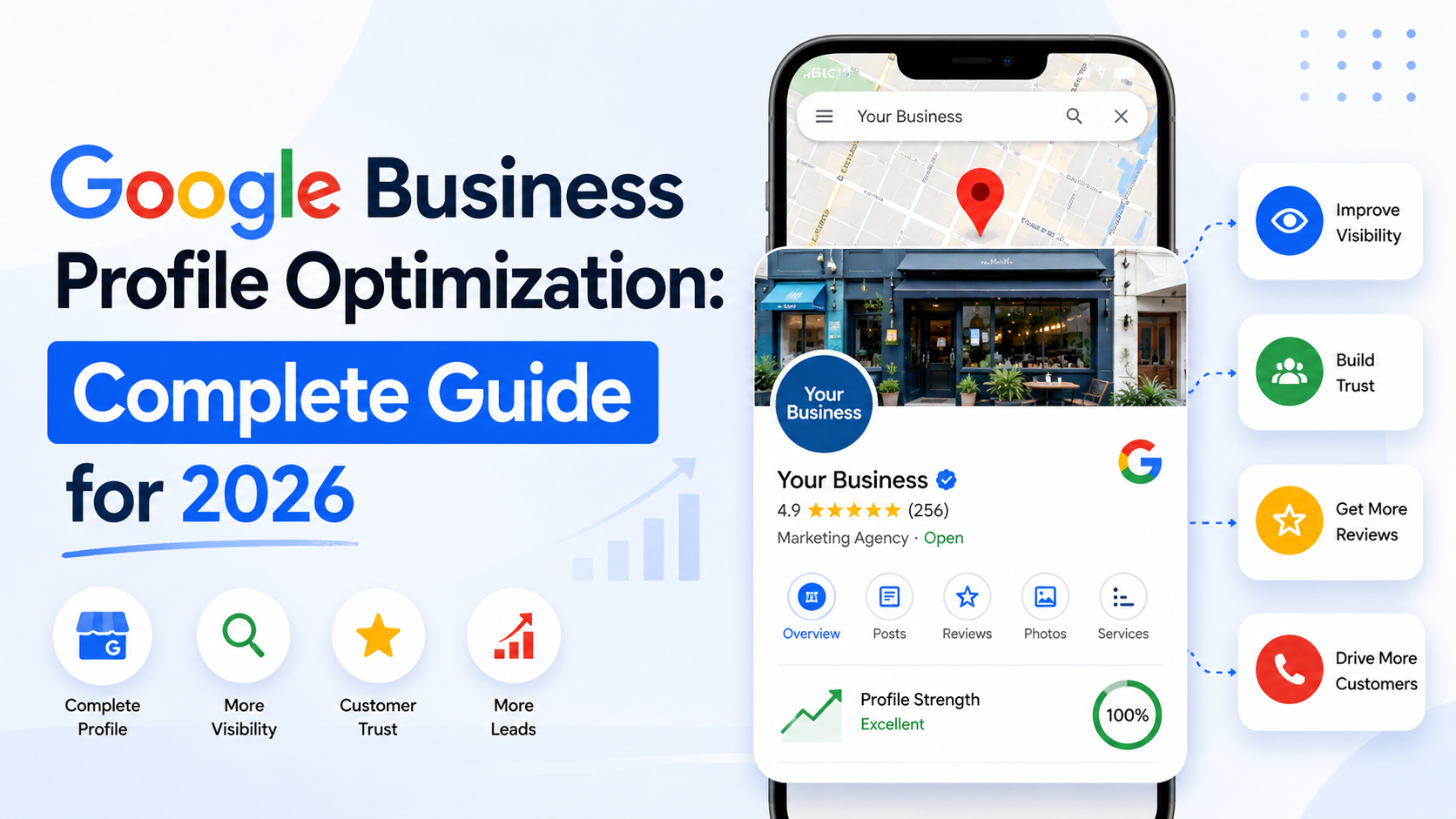
Google Business Profile optimization: a 2026 guide to ranking in the local pack and getting more calls from Maps
The catch is that most businesses stop halfway. They claim the profile, confirm the address, and move on. That leaves the profile at 40-50% completion, which Google treats as a weaker signal than a profile a competitor has filled out fully. Every empty field is a small ranking gap. This guide covers every field and action that meaningfully affects your placement in the local pack, from the initial setup to the weekly habits that separate top-three listings from the rest.
Setting up or claiming your profile correctly
Start at business.google.com. Before you create anything, search for your business name. Google auto-generates profiles for businesses that appear in online directories, and claiming an existing one is faster than creating a new one. More importantly, creating a duplicate when one already exists can trigger a duplicate-content flag that suppresses both listings until the issue is resolved.
Once you’re in the profile, these are the fields that carry the most weight, in order of how much they affect local pack placement:
Innovative Momentum
Want to implement these strategies for your business?
We help businesses grow with digital marketing, SEO, and AI-ready content strategies.
The address versus service-area distinction matters more than most businesses realize. If you go to clients’ locations (a landscaper, a mobile dog groomer, a plumber), use the service-area setting and hide your home or office address. If clients come to you (a retail shop, a salon, a law office with a visible suite), show the address. Mixing these up reduces relevance signals for the neighborhoods you actually serve.
NAP consistency deserves its own emphasis. Your business name, address, and phone number must be identical across your website, GBP, Yelp, Yellow Pages, Apple Maps, and every other directory where you appear. “Street” versus “St.” is enough to create a mismatch that dilutes the trust signal Google uses to confirm your location. Audit all your citations at least once a year. A broader local SEO strategy includes systematic citation cleanup, but the profile itself is the starting point.
The review system: the highest-ROI local SEO action
Reviews affect local pack rankings through two mechanisms: they are a direct ranking signal in Google’s local algorithm, and they drive a higher click-through rate, which is itself a behavioral signal that reinforces ranking. A profile with 60 reviews and a 4.7 average looks different to both Google and a potential customer than a profile with 8 reviews and a 4.2.
Businesses with 50 or more reviews and a 4.5-plus average rating receive on average three times more calls from Google Maps than businesses with fewer than 10 reviews.
BrightLocal Local Consumer Review Survey, 2024
Volume matters, but recency matters just as much. A profile with 50 reviews where the most recent is from eight months ago will often rank below a profile with 30 reviews where five arrived in the last 30 days. Google treats recent activity as a signal that the business is active and engaged.
The single most effective way to build review volume is a systematic follow-up process. Inside your GBP dashboard, there is a “Get more reviews” option that generates a short, direct review link. Copy that link and send it to every client within 48 hours of completing their project or service. A plain text message or email works better than a formal letter: “Hey your business, thanks for working with us this week. If you have two minutes, a review would mean a lot: .” That is the whole message. Short is better.
Response rate is a factor most businesses ignore. Responding to reviews (both positive and negative) signals engagement to Google’s algorithm. Aim to respond to every review within 72 hours. For positive reviews, a two-sentence response that references the specific work is more effective than a template. For negative reviews, respond professionally, acknowledge the concern, and offer to resolve it offline. Never argue in the response. Potential customers read your responses to negative reviews as carefully as the reviews themselves, and how you handle a complaint says more than any marketing copy. Building genuine trust signals like this compounds over time.
One hard rule: never incentivize reviews or use a service that generates fake ones. Google’s detection systems remove them, often in batches months after they were posted. Repeated violations result in profile suspension, which means losing all your reviews and your pack placement entirely. The organic approach is slower but permanent.
GBP posts: the weekly habit most businesses skip
GBP Posts are short updates that appear directly in your Knowledge Panel (the information box that shows up when someone searches your business name) and sometimes in local pack results for nearby queries. Think of them as a notice board that Google can read. Most businesses with optimized profiles still skip this feature entirely, which means using it at all puts you ahead of the majority of local competitors.
Posts expire after seven days unless they are offer posts, which expire on the date you set. That seven-day window makes posting weekly the natural rhythm. In competitive markets (dentists, HVAC, personal injury attorneys), weekly posting is essentially a baseline; in less competitive niches, bi-weekly or monthly can be enough to signal activity.
What to post: offers and time-limited deals, new services added to your lineup, seasonal reminders (“AC tune-up season starts in April”), completed project photos with a short description of the work, upcoming closures or holiday hours. The format that performs best is 150-300 words, one photo, and a call-to-action button. Google gives you options including Call, Book, Learn more, and Order online. Match the CTA to what the post is actually asking someone to do.
Photo posts consistently outperform text-only posts in click rate. An actual photo from a completed project, or a real team photo, reads as authentic in a way that stock images do not. Google can and does apply image quality signals to profile photos; a blurry or low-resolution image does less than nothing.
Photos and videos: the underestimated ranking factor
Google’s own data shows that businesses with 10 or more photos receive 35-42% more direction requests and 42% more website clicks than profiles with fewer photos. That is a large delta for something most businesses treat as an afterthought.
Organize your uploads by category, because Google lets users filter by photo type. Add at least one of each: an exterior shot so people recognize the building or storefront before they arrive; an interior shot showing the space; team or staff photos; product photos or work examples. Each category serves a different moment in a potential customer’s decision process. The exterior photo resolves “am I at the right place.” The work examples resolve “can they do what I need.”
Keep the profile photo (the main image) current. An outdated logo or an owner photo from a decade ago creates a small but real trust gap, particularly for service businesses where the person showing up at your door matters. Update it annually at minimum.
For businesses with a physical location, a 360-degree photo tour taken by a Google-trusted photographer adds a virtual tour that appears directly in Maps. This is a stronger trust signal than a flat photo for any business where the space matters to the customer: a salon, a gym, a restaurant, a boutique. The photographer submits the tour through Google’s Street View platform and it attaches to your profile automatically.
Photos taken on a smartphone at your business location include GPS metadata (geotag) that reinforces your address signal. This is a minor but real factor: Google can cross-reference the location metadata in your uploaded photos with the address in your profile. If you take project photos on-site, upload them from your phone directly rather than transferring them to a computer first, which often strips the metadata.
For video, 30-second clips perform well: a walk-through of a completed project, a before-and-after sequence, or a short team introduction. Keep it unpolished and real. Heavily produced videos on a GBP profile read as incongruent with the medium.
Q&A section: pre-populate it yourself
The Questions and Answers section on your GBP is fully public. Any Google user can post a question, and any Google user can post an answer, including your competitors. The vast majority of businesses leave this section completely empty, which means questions accumulate and get answered by strangers (or not at all), and potential customers find unanswered questions where they expected reassurance.
The fix is simple: go to your profile and post your own questions, then answer them. You can do this from a logged-in Google account. Write the questions your actual customers ask before they book: What is your service area? How much does your core service typically cost? Can I get a same-day appointment? Do you offer financing? What should I expect on the first visit? Answering these pre-emptively reduces friction for a potential customer who is comparing you against two other businesses.
Your answers can appear in the Knowledge Panel and, for some queries, surface in the local pack results themselves. This means a well-written answer to “Do you offer emergency service?” can appear directly under your listing name for relevant searches.
Set a reminder to check the Q&A section weekly. A Google Alerts notification for your business name or the GBP mobile app (which sends push notifications for new questions) both work. If someone posts a misleading or incorrect answer, you can flag it for removal and post a correction.
Services, products, and attributes: complete every field
Every field Google gives you is an opportunity to increase relevance for a specific query. The services section is the most underused of these. Add every service you offer, give each one a short description (two to three sentences describing what it involves and who it is for), and include a price or price range where you can. This data feeds Google’s understanding of your business and shows up directly in the profile when someone searches for that specific service.
Attributes are the checkboxes that appear in your profile under categories like accessibility, payment types, and amenities. For service-area businesses, the relevant attributes are things like “online estimates,” “on-site services,” “women-led,” and “LGBTQ+ friendly.” These attributes feed Google’s filter system: when a user searches “accessible dentist near me” and filters for accessibility features, the attribute is what puts you in those results. Leaving attributes blank means being invisible to filtered searches.
If you use an online booking system, such as Calendly, Acuity Scheduling, or a practice management platform, add the URL in the booking link field. Google creates a “Book” button that appears directly in Maps results and in the Knowledge Panel. A customer who can tap “Book” without visiting your website first converts at a meaningfully higher rate than one who has to navigate to your site, find the booking page, and then schedule. Thinking about the broader investment in local SEO includes setting up small conversion paths like this one, which cost nothing but setup time.
How AI search is changing local SEO and your GBP
Google AI Overviews now answer many local queries directly. When someone searches “best dentist in your city” or “plumber near me open now,” Google’s AI may generate an answer that pulls from GBP data, reviews, and website content. A well-optimized Google Business Profile is now feeding two systems simultaneously: the traditional map pack algorithm and Google’s AI answer generation layer. The same completeness signals (primary category, services listed, updated attributes, recent reviews) matter for both.
Your Google Business Profile now feeds two discovery systems at once: Google Maps (where traditional local pack optimization applies) and Google AI Overviews (where your profile data, review content, and business description become source material for AI-generated answers). Optimizing for one automatically improves the other.
ChatGPT and Perplexity have begun incorporating local business data into their answers for location-based queries. Users asking “who does roof repair in Austin, TX” inside ChatGPT increasingly get named businesses with addresses, hours, and review summaries. This data comes from web-crawled business profiles, not a separate submission system. A GBP with a complete, consistent, and keyword-rich business description is more likely to be surfaced by these systems because the description text feeds their understanding of what the business does.
A practical use case for AI in GBP management is using AI writing tools to produce GBP posts and review responses faster. Writing one post per week is the recommended cadence for active GBP management, and at that volume many business owners fall off. An AI writing tool can generate a draft post in 30 seconds from a brief description of the week’s update (“we completed a kitchen renovation in North Austin, tile work and cabinet refinishing”). The owner reviews and posts. Review responses work the same way: paste the review text into an AI tool, ask for a professional response under four sentences, edit for voice, post. This is not about automating decisions but removing the friction that causes the task to be skipped.
One thing AI cannot do for your GBP is generate or influence reviews. Google’s review system is specifically built to detect non-organic review patterns. AI-generated reviews, whether written by the business or a service provider, are regularly identified and removed in bulk. The review acquisition process has to be human: the ask has to come from a real person who had a real interaction.
Frequently asked questions
Want a professional audit of your Google Business Profile?
We review GBP profiles, local citation health, on-page SEO, and conversion paths as part of our local SEO work with small businesses. If you are not ranking in the local pack for your core service queries, there is usually a specific reason, and usually a fixable one.

Keep reading
Related insights
No comments yet. Be the first to share your thoughts.