
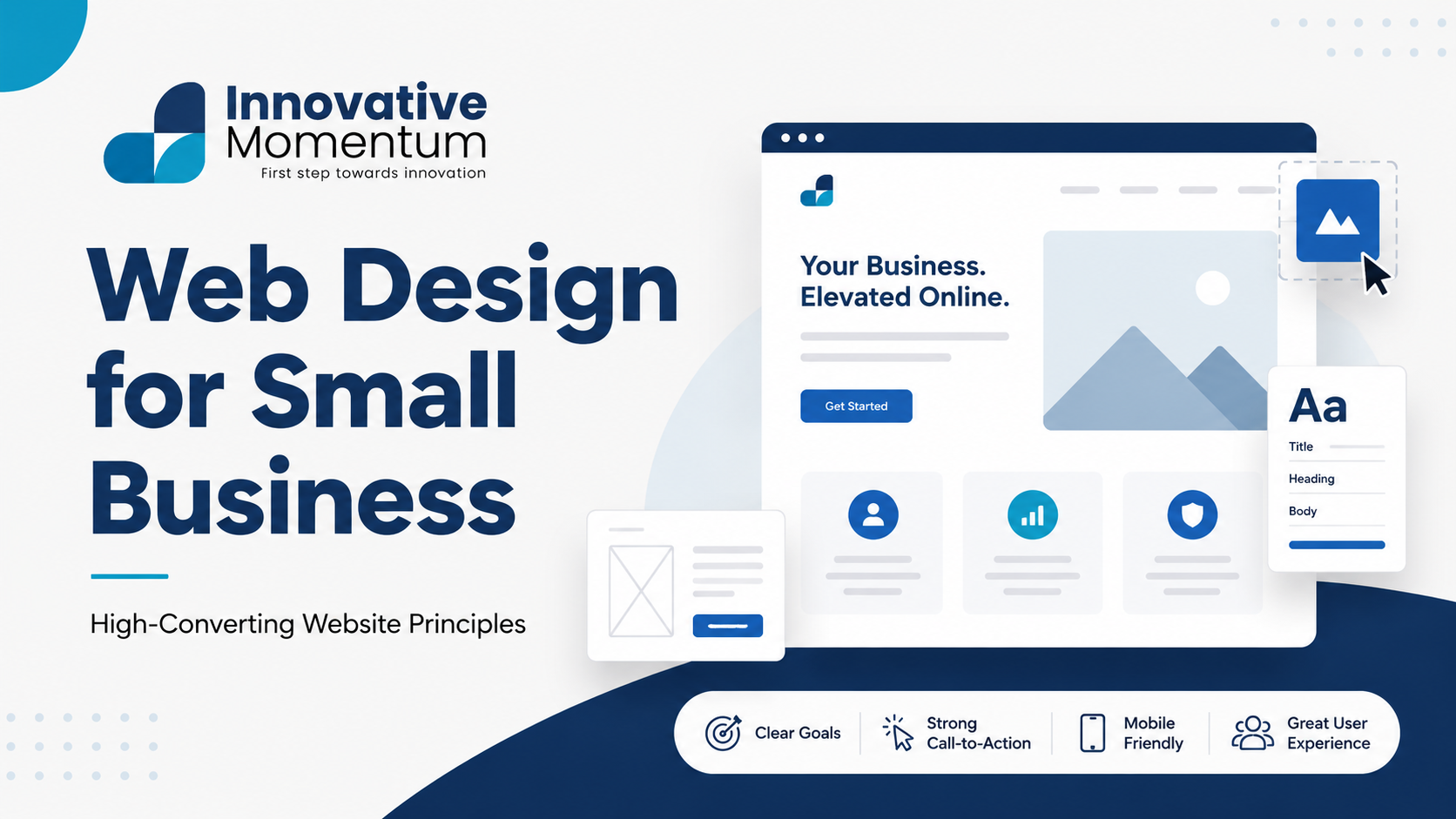
Key takeaway
The most impactful web design decisions for small businesses: mobile responsiveness, page speed under two seconds, a clear value proposition on the homepage, and a contact button visible on every page.
Your website is often the first interaction a potential customer has with your business. Research consistently shows that visitors form an impression of a website’s credibility within 50 milliseconds — before reading a single word. Poor web design does not just look bad; it signals untrustworthiness and loses enquiries to competitors who invest in their online presence. For small businesses where every lead matters, a well-designed website is not a luxury; it is a competitive requirement.
This guide covers the web design principles that actually drive conversions for small businesses, what separates websites that generate enquiries from those that simply exist, and how to evaluate whether your current site is costing you business.
The Business Case for Good Web Design
Web design for small businesses is not primarily an aesthetic exercise — it is a commercial one. Good design removes the friction between a visitor’s arrival and their decision to contact you. Bad design, regardless of how much it cost to build, introduces friction at every step: unclear navigation, unreadable text, slow loading, forms that are hard to use, and pages that do not clearly explain what you do or why you are the right choice.
The specific business metrics affected by web design:
Innovative Momentum
Want to implement these strategies for your business?
We help businesses grow with digital marketing, SEO, and AI-ready content strategies.
- Bounce rate: The percentage of visitors who leave after viewing only one page. Poor design (slow loading, visual confusion, lack of clear navigation) increases bounce rate, which reduces the number of visitors who ever see your services or contact page.
- Time on site: Visitors who spend more time engaging with your content are more likely to convert and to become informed, qualified leads. Clear information architecture that makes content easy to navigate increases time on site.
- Conversion rate: The percentage of visitors who take a desired action. Website design directly affects conversion rate through the clarity of CTAs, the placement of trust signals, and the friction in the conversion path.
Navigation and Information Architecture
Navigation should answer one question: “How do I get to what I need?” Small business websites commonly fail at navigation by either over-engineering it (too many options creating decision paralysis) or under-investing in it (important pages buried or impossible to find). The five-second test: can a visitor land on your homepage and find the information they need within five seconds of arrival?
Standard navigation for a small service business should include: Home, Services (or What We Do), About, Blog (if you have one), and Contact. Each navigation item should be a clear noun or short phrase — not creative or clever wording that obscures what the page contains. “Solutions” as navigation is less clear than “Services”; “Story” is less clear than “About Us.” Visitors have very low patience for ambiguity.
Mobile navigation deserves specific attention. More than 60% of web traffic is mobile, and navigation that works on desktop (a wide horizontal nav bar) often fails on mobile (a compressed hamburger menu that is hard to open or links that are too small to tap). Every menu item should have a minimum tap target of 44×44 pixels on mobile. Our guide on technical SEO audits covers mobile usability as part of the site health check — many mobile navigation issues also affect mobile search rankings.
Typography and Readability
A surprising number of small business websites are hard to read. The most common causes: body text too small (below 16px on desktop, below 18px effective size on mobile), line length too long (above 80 characters per line makes text hard to track), insufficient contrast between text and background, and too many font sizes creating visual noise rather than hierarchy.
Typography best practices for small business websites:
- Body text: 16-18px minimum on desktop, with 1.5-1.8 line height for comfortable reading
- Line length: cap at 65-75 characters per line (approximately 600-700px in a typical body font)
- Color contrast: body text must achieve at least 4.5:1 contrast ratio against its background (WCAG AA standard)
- Limit font families to 1-2: one for headings, one for body. More than two fonts creates visual inconsistency without adding value
- Use font weight variation within a single family for hierarchy rather than adding additional typefaces
Color and Visual Consistency
Color in web design serves two purposes: brand recognition and information hierarchy. Your brand colors should be applied consistently across all pages — the same primary blue (or whatever your brand color is), the same background tones, the same call-to-action button color. Inconsistency in color application signals amateurism in the same way inconsistency in printed materials does.
For small businesses, a simple color system works better than a complex one: one primary brand color (used for CTAs, key headings, and accent elements), one neutral color scheme for backgrounds and text, and one secondary color for supporting elements. This restraint makes the CTA button stand out because it is the only strong color on the page — visual hierarchy is created through contrast, not complexity.
The relationship between web design and conversions is covered in our guide on B2B website lead generation, which covers how design choices at each stage of the conversion path affect enquiry volume.
Trust Signals and Social Proof in Design
Credibility elements should be woven throughout the site, not confined to a single “testimonials” page that few visitors navigate to. Placement strategy:
- Homepage: Above-the-fold: your strongest single trust signal (years in business, number of clients, major credential). Below the fold: 2-3 client testimonials with names and companies.
- Service pages: Embed 1-2 testimonials specific to that service. A testimonial from a client who hired you for exactly the service the visitor is considering is far more persuasive than a generic “they were great” quote.
- Contact page: A short testimonial directly above or beside the contact form reduces the hesitation many visitors feel at the final conversion step.
For the review generation system that produces these testimonials, our guide on getting more Google reviews covers the systematic approach to building a review library across Google, Facebook, and industry platforms.
Website Platform Choice for Small Businesses
The platform your website is built on affects design flexibility, ongoing cost, and technical performance. For small businesses, the main options are WordPress, Squarespace, Wix, and Webflow. Our guide on WordPress vs Squarespace for small business SEO covers the trade-offs in detail, including the SEO implications of each platform choice.
WordPress, used correctly, provides the most flexibility for design and SEO but requires more technical involvement to maintain. Squarespace and Wix offer easier setup and maintenance but with design and customization limitations. Webflow sits between the two: design flexibility close to WordPress, with a visual interface that reduces technical barriers but at a higher price point.
The right platform depends on your priorities: if you need maximum design flexibility and SEO control, WordPress is the standard choice. If you need to manage the site yourself with minimal technical knowledge, Squarespace or Wix may be more appropriate. The guide on WordPress website costs covers the total cost of ownership across these platforms.
When to Redesign Your Website
Clear signals that your website needs a redesign: visitors bounce quickly on first contact, your conversion rate is significantly below industry benchmarks, the design no longer reflects your current brand positioning, the site is not responsive or performs poorly on mobile, or it loads slowly (above 3 seconds on mobile). The risk of waiting is that competitors with better websites are winning the clients you should have.
Our guide on website redesign and SEO migration covers how to redesign a site without losing existing organic rankings — a critical consideration for businesses that have invested in SEO on their current site. For a website design consultation for your small business, contact Innovative Momentum.
Frequently Asked Questions
How much should a small business spend on web design?
Realistic ranges: freelance designer £1,500-£5,000 for a standard small business site (5-10 pages); professional agency £5,000-£15,000 for a fully custom, conversion-optimized site with strategy and copywriting included; DIY builders (Squarespace, Wix) £15-30/month ongoing plus your own time investment. The question is not the lowest cost but the highest ROI — a £8,000 website that generates an additional £30,000 in annual revenue has a clearly positive return.
How important is website design for SEO?
Web design and SEO are increasingly intertwined. Google uses user experience signals — bounce rate, time on site, Core Web Vitals — as ranking factors. A poorly designed website that visitors leave immediately sends negative signals to Google. A well-designed, fast, mobile-responsive website that keeps visitors engaged reinforces positive SEO signals. Technical SEO (structure, speed, mobile performance) is inseparable from design quality in modern search.
How often should a small business update its website design?
Full redesigns typically happen every 3-5 years as design trends, platform capabilities, and business positioning evolve. Between full redesigns, ongoing content updates and incremental improvements matter more than the visual design. A site with outdated but consistent design that is regularly updated with useful content will typically outperform a recently redesigned site with no content investment. Design refresh and content investment are not the same thing — both matter but on different timescales.
Accessibility in Small Business Web Design
Web accessibility means designing websites that can be used by people with disabilities — visual impairments, motor limitations, cognitive differences, and hearing impairments. Beyond the ethical obligation, accessibility is increasingly a legal requirement in many jurisdictions (WCAG 2.1 AA compliance is referenced in UK and EU accessibility regulations for public sector sites and increasingly in private sector litigation) and has direct SEO benefits: accessible sites typically have better semantic HTML structure, better performance on assistive technologies, and clearer content hierarchy — all positive ranking signals.
The most impactful accessibility improvements for small business websites, in order of effort and impact:
- Image alt text: Every image that conveys information needs a descriptive alt attribute. Decorative images should have empty alt text (alt=””) so screen readers skip them. Missing alt text is the most common accessibility failure on small business websites and directly affects how Google understands your images.
- Color contrast: Body text must achieve 4.5:1 contrast against its background (WCAG AA minimum). Light grey text on white backgrounds is one of the most common contrast failures — attractive in design tools but unreadable for users with visual impairments or in bright sunlight.
- Keyboard navigation: Every interactive element on the site — navigation menus, buttons, forms, dropdowns — must be operable via keyboard alone, without a mouse. Users with motor disabilities and assistive technology users depend on keyboard navigation.
- Focus indicators: Visible focus outlines on interactive elements show keyboard users where they are on the page. CSS resets commonly remove these outlines for aesthetic reasons — restore them with a clearly visible style.
For a complete technical quality review covering accessibility alongside performance and SEO factors, our technical SEO audit checklist includes accessibility checks as part of site health assessment.
Website Speed as a Design Requirement
Load speed is not a technical afterthought — it is a design requirement that must be considered in every visual decision. High-resolution hero images, custom web fonts, complex animations, and embedded third-party scripts all add load time that directly reduces conversion rate and organic search performance. Google’s Core Web Vitals thresholds (LCP under 2.5 seconds, CLS under 0.1, INP under 200ms) set the measurable bar for acceptable performance, and sites that fail these thresholds are penalised in search rankings and suffer higher bounce rates before users engage with the design at all.
The design decisions with the highest performance cost: oversized images (the most common cause of slow load times), video backgrounds (adds hundreds of kilobytes to initial page load), and unoptimised custom fonts loaded before first paint. Our guide on Core Web Vitals for small businesses covers the specific technical optimisations for each metric, and our website speed optimisation guide covers the WordPress-specific implementation. Every design element should be evaluated not just for visual impact but for its load performance cost — and when those two values are in tension, performance should win for above-the-fold content. For a web design project that builds both visual quality and technical performance, contact Innovative Momentum.
For a web design project combining visual quality with technical performance, our guide on WordPress website costs covers realistic investment expectations for a high-converting small business site.

Keep reading
Related insights
No comments yet. Be the first to share your thoughts.