
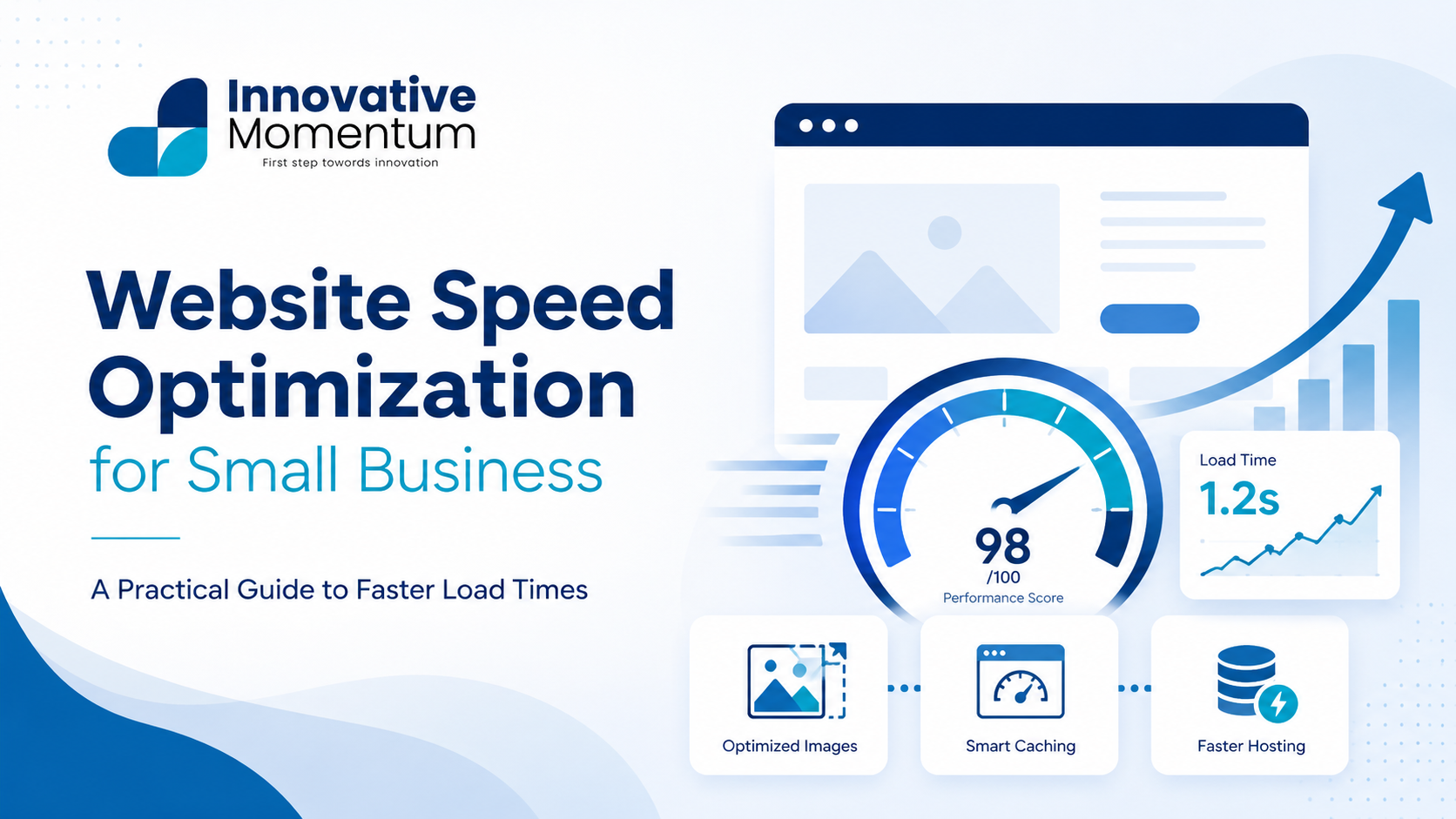
Key takeaway
The biggest speed wins come from image compression, switching to a faster host, and enabling caching — changes you can make today that directly improve both rankings and conversions.
Website speed is a ranking factor, a conversion factor, and a trust signal simultaneously. Google has measured the relationship between load time and bounce rate repeatedly: a page that takes 3 seconds to load on mobile has a 32% higher bounce rate than a page that loads in 1 second, according to Google’s own research. For small businesses, this translates directly to lost enquiries and lost revenue.
This guide covers the specific optimizations that move the needle for small business websites — prioritized by impact, not complexity — and the measurement approach that shows whether the work is actually improving rankings.
Why Speed Matters More in 2026
Three developments have raised the stakes for page speed since 2021:
- Core Web Vitals are confirmed ranking signals: Google’s page experience update made LCP (Largest Contentful Paint), INP (Interaction to Next Paint), and CLS (Cumulative Layout Shift) direct ranking factors. Pages rated “Poor” on any metric are at a structural disadvantage compared to competitors rated “Good”.
- Mobile-first indexing is complete: As of July 2024, Google uses your mobile version for all rankings. If your mobile site is slow, your rankings suffer — even for desktop searchers.
- AI search systems cite fast, accessible pages: Perplexity and Google AI Overviews preferentially cite content they can crawl quickly and completely. A slow or partially blocked page is a page that gets cited less.
Where to measure: Google Search Console’s Core Web Vitals report uses real-user data from Chrome (field data). PageSpeed Insights uses lab data from Lighthouse. Both matter — GSC shows real-world performance, PageSpeed shows what is fixable. Check both before and after any optimization.
Get a quoteInnovative Momentum
Want to implement these strategies for your business?
We help businesses grow with digital marketing, SEO, and AI-ready content strategies.
The Highest-Impact Speed Fixes
1. Image optimization (addresses 60-80% of speed problems)
Unoptimized images are the leading cause of poor LCP scores on small business websites. A hero image uploaded at 4000px wide and served at full resolution to a mobile device is a performance disaster that is entirely preventable.
2. Hosting quality
The fastest optimizations on a slow server will still produce a slow website. Server response time (TTFB — Time to First Byte) is the first number in the waterfall. If your TTFB is above 600ms, the problem is the server before it is anything else.
For WordPress-based small business sites, LiteSpeed-based hosting (Hostinger, Cloudways LiteSpeed, RunCloud on LiteSpeed) consistently outperforms Apache or basic Nginx hosting for dynamic PHP pages. LiteSpeed’s built-in caching serves cached pages at near-static speed without a separate caching plugin layer.
3. Caching
WordPress generates each page by querying the database and running PHP. Caching stores a pre-built version of the page so subsequent visitors receive a static HTML file instead. On a cached WordPress installation, a page that took 800ms uncached often loads in under 100ms cached.
For WordPress: WP Rocket (paid, best performance), W3 Total Cache (free), or LiteSpeed Cache (free, best if on LiteSpeed hosting). Configure page caching, browser caching, and object caching. Do not run two caching plugins simultaneously.
4. CSS and JavaScript optimization
Every render-blocking script and stylesheet delays the moment the browser can display your page. Three fixes that work without a developer:
- Defer non-critical JavaScript: Add
deferto scripts that are not needed for the initial page render. WP Rocket and LiteSpeed Cache both have a “defer JS” option. - Minify CSS and JS: Removes whitespace and comments from code files. Typically 10-20% file size reduction. All major caching plugins include this.
- Remove unused plugins: Every active WordPress plugin potentially adds CSS and JS to every page load, even pages where it does nothing. Audit your plugins annually and deactivate anything unused.
5. Content Delivery Network (CDN)
A CDN stores copies of your static files (images, CSS, JS) on servers around the world, serving each visitor from the nearest location. For a UK business with European visitors, a CDN can reduce static file load time by 40-60% for visitors in Central or Eastern Europe. Cloudflare’s free tier is sufficient for most small business sites and also provides DDoS protection and additional security headers.
Fixing Each Core Web Vital Specifically
LCP (Largest Contentful Paint): target under 2.5 seconds
LCP measures how long it takes for the largest visible element — usually the hero image or a large heading — to appear on screen. The most common LCP failures on small business sites:
- Hero image not preloaded. Add
<link rel="preload" as="image" href="hero.webp">to the page head to tell the browser to fetch it immediately. - Server response time above 600ms — the hosting tier problem described above.
- Hero image served via CSS background-image rather than an HTML img tag, which prevents the browser from preloading it efficiently.
INP (Interaction to Next Paint): target under 200ms
INP replaced FID (First Input Delay) as a Core Web Vital in September 2024. It measures the time between any user interaction (click, tap, keyboard input) and the next visual response. Most small business websites have good INP scores unless they run heavy JavaScript or complex page builders with bloated interaction handlers.
If INP is poor, the fix is usually auditing third-party scripts — chat widgets, analytics, social embeds — that block the main thread. Defer or remove scripts that are not critical to the initial page experience.
CLS (Cumulative Layout Shift): target under 0.1
CLS measures unexpected layout movement — elements shifting position as the page loads. The two most common causes: images without explicit dimensions (the page reserves no space, then reflowing when the image loads), and web fonts loading after text is already displayed. Fix both by setting explicit width and height on all images and using font-display: swap on custom fonts.
WordPress-Specific Optimizations
WordPress sites have specific performance bottlenecks that generic speed advice does not address. The issues that affect small business WordPress sites most often:
- Unoptimized database: Posts revisions, expired transients, and spam comments accumulate over time. WP-Optimize or the database optimization in LiteSpeed Cache cleans these automatically. Run quarterly.
- Oversized theme frameworks: Page builder themes (Divi, Avada, Elementor with a heavy theme) load large CSS frameworks even on simple pages. A lightweight theme with targeted CSS typically loads 200-400KB less per page than a page builder equivalent.
- Google Fonts loading: Fetching fonts from fonts.googleapis.com adds a network request and a render-blocking resource. Host fonts locally or use
font-display: swapto prevent the font from blocking render. Local hosting also removes the third-party dependency.
For a full checklist of the technical factors affecting your site’s crawlability and indexing alongside speed, our technical SEO audit checklist covers all 20 checks in one place. If your site went through a redesign recently, our guide on website redesign without losing SEO covers the migration steps that protect rankings through performance changes.
Measuring the Results
Run PageSpeed Insights on three pages: homepage, a service page, and a blog post. Record the current scores. Implement optimizations in this order: images first, caching second, JS/CSS third. Re-test after each phase.
Target scores: LCP under 2.5 seconds, INP under 200ms, CLS under 0.1. These are Google’s “Good” thresholds. Pages in the “Needs Improvement” range (LCP 2.5-4s) are not penalized as severely as “Poor” pages (LCP over 4s) — if you are starting from Poor, the priority is crossing into Needs Improvement first.
Track progress in Google Search Console’s Core Web Vitals report, not just PageSpeed Insights. GSC shows real-user data from Chrome and groups your pages by status (Good, Needs Improvement, Poor) — it is the metric that directly correlates with ranking impact.
Frequently Asked Questions
How much does page speed affect rankings?
Core Web Vitals are a confirmed ranking signal but act as a tiebreaker rather than a primary factor. Two pages with equivalent content and backlinks will be differentiated by speed. A page with excellent content but Poor Core Web Vitals can still rank above a fast page with thin content. Fix speed to remove a ceiling, not as a substitute for content quality.
Should I switch hosts to improve speed?
If your TTFB is consistently above 800ms after enabling caching, the hosting tier is likely the constraint. Upgrading from shared hosting to a managed WordPress host (or to LiteSpeed-based hosting) typically delivers the most significant speed improvement for the least technical effort. Most managed WordPress hosts offer migration assistance.
Will a CDN improve my Core Web Vitals scores?
A CDN improves TTFB for visitors far from your server and reduces static file load time — both contribute to better LCP scores. However, a CDN does not fix unoptimized images, render-blocking scripts, or layout shift issues. Address image optimization and caching first; add a CDN as a second layer once the main bottlenecks are resolved.
For a full picture of the technical and content factors that affect your search visibility, contact Innovative Momentum for a site audit.
Third-Party Script Audit
Third-party scripts are one of the most overlooked sources of speed problems on small business websites. Every external script — live chat widgets, cookie consent managers, social media embeds, marketing pixels — adds network requests and execution time. A page that loads in 1.8 seconds without a live chat widget may load in 3.2 seconds with one, depending on how the vendor’s servers are performing on a given day.
Run a quick audit: in Chrome DevTools, open the Network tab, reload the page, and filter by “Script”. Any script loading from a third-party domain (not your own) that takes more than 200ms to load is a candidate for deferral or removal. Common candidates for deferral: social share buttons (do not need to load before the page is readable), chat widgets (can load after page content), and secondary analytics scripts (can load after primary analytics).
For scripts you cannot remove, use the async or defer attribute to prevent them blocking the initial render. defer loads the script in parallel with HTML parsing and executes after parsing is complete — appropriate for most third-party scripts. async loads and executes as soon as the script is available, which can still block render if the script loads quickly. defer is safer for most use cases.
Setting a Performance Budget
A performance budget is a set of limits on page weight, request count, or Core Web Vital scores that you commit to maintaining. Once your site achieves a Good rating on Core Web Vitals, a performance budget helps prevent future work — new plugins, image uploads, third-party integrations — from eroding those scores over time.
A simple performance budget for a small business website: total page weight under 1.5MB for mobile, LCP under 2.5 seconds, CLS under 0.1, no more than 40 network requests on load. Review these numbers quarterly with PageSpeed Insights. When a score drops below threshold, investigate what changed before the degradation becomes a ranking issue.
For a full picture of the technical and content factors affecting your search visibility alongside speed, contact Innovative Momentum for a site audit that covers performance, on-page SEO, and content quality in one review.

Keep reading
Related insights


No comments yet. Be the first to share your thoughts.