
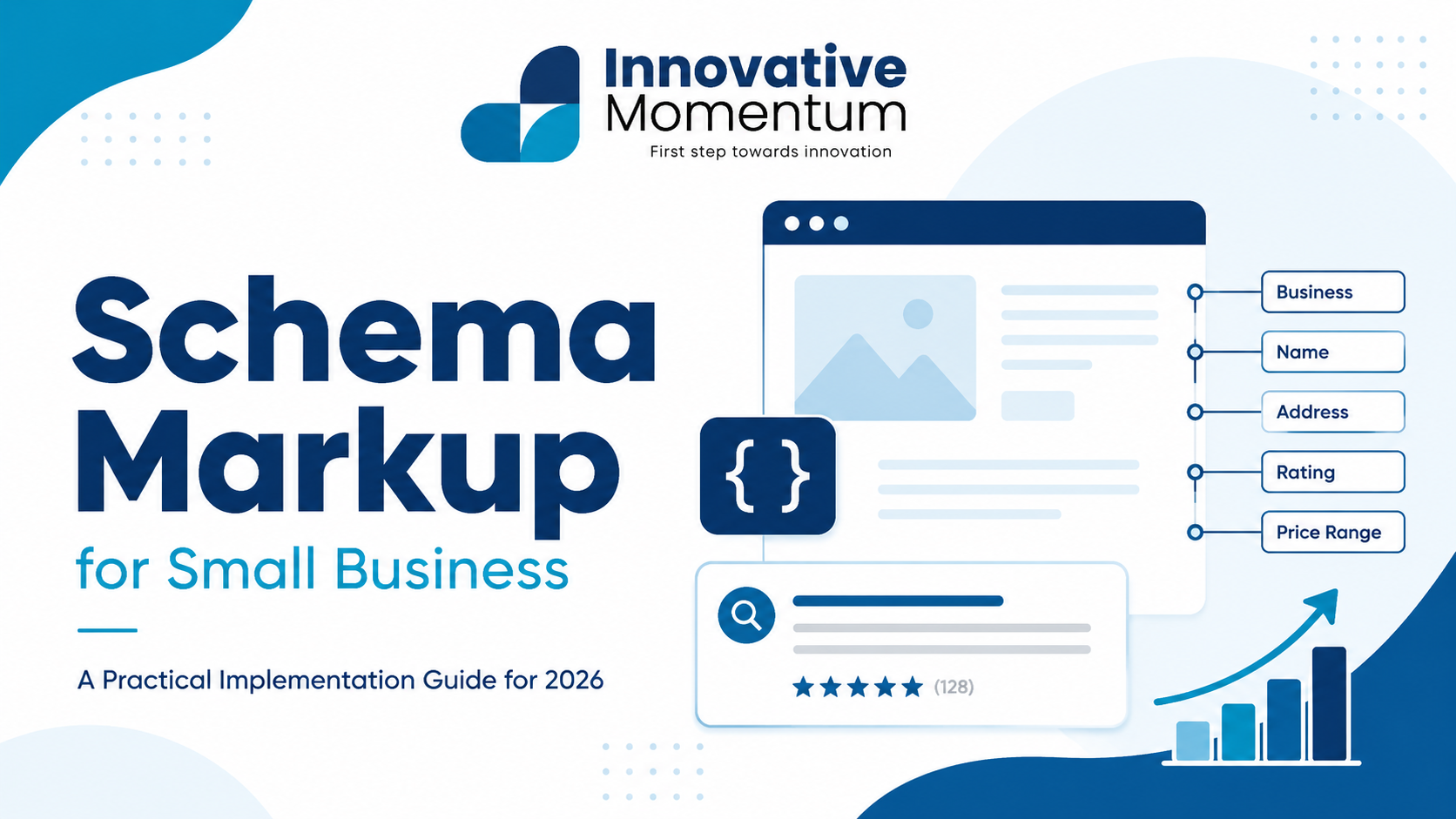
Key takeaway
Adding JSON-LD schema markup takes under an hour and can unlock rich results — star ratings, FAQ snippets, and business info — that increase click-through rates by 20–30%.
Schema markup is structured data added to your website’s HTML so search engines understand what your pages contain. Without it, Google reads your page and makes educated guesses about your business name, location, services, and reviews. With it, you hand Google a machine-readable summary of exactly what is on the page — in return, Google can display your information in rich result formats that stand out in search results.
For small businesses, schema markup is one of the highest-leverage technical SEO actions available. It takes a few hours to implement correctly and then works indefinitely. This guide covers the schema types that matter most, how to implement them, and how to verify they are working.
What Schema Markup Actually Does
Schema markup uses a vocabulary from Schema.org to annotate page content in a format machines can parse. Google, Bing, and other search engines use this data to power rich results: the star ratings, opening hours, and breadcrumbs that appear directly in the search results page.
More importantly for 2026, structured data is the primary way AI search systems (Google AI Overviews, Perplexity, ChatGPT) extract factual information about your business. A business without schema is harder for AI systems to confidently cite — they have to infer details from prose rather than reading structured fields.
Innovative Momentum
Want to implement these strategies for your business?
We help businesses grow with digital marketing, SEO, and AI-ready content strategies.
Implementation format: Always use JSON-LD (a script tag in the page head). Never use Microdata or RDFa. Google recommends JSON-LD and it is the only format compatible with all current rich result types. It lives in a single script block rather than scattered through your HTML — far easier to maintain.
The Five Schema Types Every Small Business Needs
1. LocalBusiness (or a specific subtype)
LocalBusiness schema is the foundation. It tells Google your official business name, address, phone number, opening hours, and service area. For most small businesses, this schema should appear on the homepage and contact page.
Use the most specific subtype available rather than generic LocalBusiness. A plumber uses Plumber. A dentist uses Dentist. A solicitor uses LegalService. The full list is at Schema.org/LocalBusiness. Google gives higher confidence to specific types.
<script type="application/ld+json">
{
  "@context": "https://schema.org",
  "@type": "Plumber",
  "name": "Your Business Name",
  "url": "https://yourdomain.com",
  "telephone": "+44-1234-567890",
  "address": {
    "@type": "PostalAddress",
    "streetAddress": "123 Main Street",
    "addressLocality": "Birmingham",
    "postalCode": "B1 1AA",
    "addressCountry": "GB"
  },
  "openingHoursSpecification": [{
    "@type": "OpeningHoursSpecification",
    "dayOfWeek": ["Monday","Tuesday","Wednesday","Thursday","Friday"],
    "opens": "08:00",
    "closes": "18:00"
  }],
  "areaServed": "Birmingham",
  "priceRange": "££"
}
</script>
2. Organization
Organization schema complements LocalBusiness by describing your business as an entity — including your logo, social media profiles, and founding information. This data feeds the Google Knowledge Panel that appears for branded searches. Add it to your homepage alongside your LocalBusiness markup.
The sameAs property links your website to your profiles on Google Business Profile, LinkedIn, Facebook, and other authoritative platforms. This cross-referencing helps Google associate all your web presences with a single entity — a foundational step in building E-E-A-T authority. Our guide on E-E-A-T for small business websites explains how entity signals work in practice.
<script type="application/ld+json">
{
  "@context": "https://schema.org",
  "@type": "Organization",
  "name": "Your Business Name",
  "url": "https://yourdomain.com",
  "logo": "https://yourdomain.com/logo.png",
  "sameAs": [
    "https://www.linkedin.com/company/yourbusiness",
    "https://www.facebook.com/yourbusiness",
    "https://g.co/yourgbpprofile"
  ]
}
</script>
3. Service
Service schema marks up individual service offerings on your service pages. It tells Google what the service is, who provides it, and the area it covers. This schema supports AI search citations — when someone asks “which companies offer your service in your city?”, well-marked-up Service schema makes your business a candidate for inclusion in the answer.
Add Service schema to each dedicated service page, not your homepage. Use the provider property to link back to your Organization schema, and the areaServed property to specify the geographic scope of the service.
4. BreadcrumbList
BreadcrumbList schema marks up the navigation hierarchy that leads to a page. On a page like yourdomain.com/services/heating/boiler-repair, the breadcrumb tells Google the path: Home › Services › Heating › Boiler Repair. Google displays this trail in search results instead of the raw URL — cleaner, more informative, and more likely to get clicks. Apply it to every interior page.
<script type="application/ld+json">
{
  "@context": "https://schema.org",
  "@type": "BreadcrumbList",
  "itemListElement": [
    {"@type": "ListItem", "position": 1, "name": "Home", "item": "https://yourdomain.com"},
    {"@type": "ListItem", "position": 2, "name": "Services", "item": "https://yourdomain.com/services"},
    {"@type": "ListItem", "position": 3, "name": "Boiler Repair", "item": "https://yourdomain.com/services/boiler-repair"}
  ]
}
</script>
5. Article (for blog posts)
For every blog post, add Article (or BlogPosting) schema. Include the headline, publication date, last modified date, author name, and author URL. The dateModified field tells Google when content was last reviewed — important for freshness signals on time-sensitive queries. The author property should link to a bio page with professional credentials, a direct E-E-A-T signal.
For the technical implementation across your full site, our technical SEO audit checklist includes structured data verification as one of its 20 checks.
Schema Types to Avoid
How to Implement Schema on WordPress
Option 1: Theme-level JSON-LD
Add schema to your theme via wp_head hooks in functions.php. This gives precise control over which schema appears on which page type, keeps markup out of the content editor, and removes plugin dependency. LocalBusiness belongs on the homepage; Article schema belongs on single post templates. This is the cleanest approach for sites with developer access.
Option 2: SEO plugin (Rank Math or Yoast)
Both generate LocalBusiness, Article, and BreadcrumbList schema automatically from your site settings. Rank Math’s free tier includes more schema types than Yoast’s free tier. Configure the business information settings carefully — these fields feed the schema output directly. Placeholder values left from initial setup will produce incorrect entity data.
Option 3: Manual JSON-LD per page
For specific service pages or custom post types where automatic schema does not cover your needs, write JSON-LD blocks manually and embed via a custom HTML widget. Precise but requires manual maintenance when business details change.
Schema for Multi-Location Businesses
If your business has more than one physical location, each location page needs its own LocalBusiness schema block with the specific address, phone number, and opening hours for that location. Do not reuse a single schema block across multiple location pages — Google will treat the conflicting data as an error rather than recognizing separate locations.
For multi-location service area businesses (a business that serves several cities from one address), use the areaServed property as an array listing all served areas. This is different from a multi-location business with physical offices in each city — those need separate GBP listings and separate LocalBusiness schema blocks.
Testing Your Schema
Google’s Rich Results Test (search.google.com/test/rich-results) shows which schema types it detects on any URL and flags errors that would prevent rich result eligibility. Run it on your homepage, a service page, and a blog post after implementation.
Two errors to check for specifically: missing required fields (LocalBusiness requires name and address; Article requires headline, author, and datePublished), and placeholder text left from plugin initial setup.
Google Search Console’s Enhancements section shows schema errors detected across your entire site from Googlebot’s crawl data. This catches errors that the Rich Results Test misses because it reflects real crawl behavior rather than a single-URL test.
Frequently Asked Questions
Does schema markup directly improve rankings?
Schema is not a direct ranking signal in Google’s core algorithm. It enables rich results, which improve click-through rates — and higher CTR sends a positive engagement signal. More importantly, schema improves how AI search systems understand and cite your business, which is increasingly valuable as AI Overviews take a larger share of search interactions.
Can I have multiple schema types on one page?
Yes. A homepage might legitimately have LocalBusiness, Organization, and BreadcrumbList simultaneously. A blog post might have Article, BreadcrumbList, and Organization. Use separate script tags for each type to keep the JSON clean and debuggable.
What happens if my schema has errors?
Schema with errors is ignored rather than penalized — Google will not apply a ranking penalty for incorrect schema. However, errors mean you do not receive the rich result benefit. Fix errors flagged in Search Console’s Enhancements report as a standard part of your technical SEO maintenance.
For the full technical SEO picture beyond schema, our local SEO guide covers GBP, citations, and content signals that work alongside structured data. To implement schema correctly on your site, contact Innovative Momentum.
Maintaining Schema Over Time
Schema is not a set-and-forget implementation. Business details change — hours, phone numbers, locations, team members — and schema that reflects stale information will conflict with your current GBP and website content. Google treats consistency across sources as a trust signal; schema that contradicts your current GBP listing reduces that signal.
Schedule a quarterly schema review: check that opening hours in your LocalBusiness schema match GBP, that phone numbers and addresses are current, and that Article schema on any significantly updated blog posts has a refreshed dateModified value. These checks take under 30 minutes and prevent the quiet degradation of entity data that accumulates over months.
If you use a WordPress SEO plugin to generate schema, plugin updates occasionally change the schema output format. After any major plugin update, run your homepage through Google’s Rich Results Test to verify the schema is still valid and complete.
Schema and AI Search Citations
AI search engines rely on structured data more heavily than traditional search algorithms because they need machine-readable facts, not just text ranking signals. A well-structured LocalBusiness schema block containing your business name, address, service types, and operating hours gives AI systems confident, citable information. A page with the same information buried in paragraphs is harder to extract accurately.
For businesses that want to appear in AI-generated answers to local queries — “find a plumber in Birmingham who handles emergency callouts” — structured Service schema with explicit serviceType, areaServed, and provider properties is the most direct technical signal available. Our guide on how to get cited in ChatGPT and Perplexity covers the content and entity signals that drive AI search visibility alongside structured data.
The combination of complete schema markup, consistent NAP across citation sources, active GBP with reviews, and E-E-A-T content creates a mutually reinforcing set of entity signals. Each element confirms what the others claim about your business — this redundancy is exactly what AI search systems look for before including a business in a confident answer.

Keep reading
Related insights
No comments yet. Be the first to share your thoughts.