
Key takeaway
Both Rank Math and Yoast are strong plugins — the right choice depends on your specific workflow Rank Math offers more features in its free tier including schema, redirections, and keyword tracking Yoast has the longer track record and the most established ecosystem of third-party integrations Switching SEO plugins risks losing existing meta data — always back up before migrating Performance impact from either plugin is negligible on modern WordPress hosting
WordPress SEO · Plugin Comparison · 2026
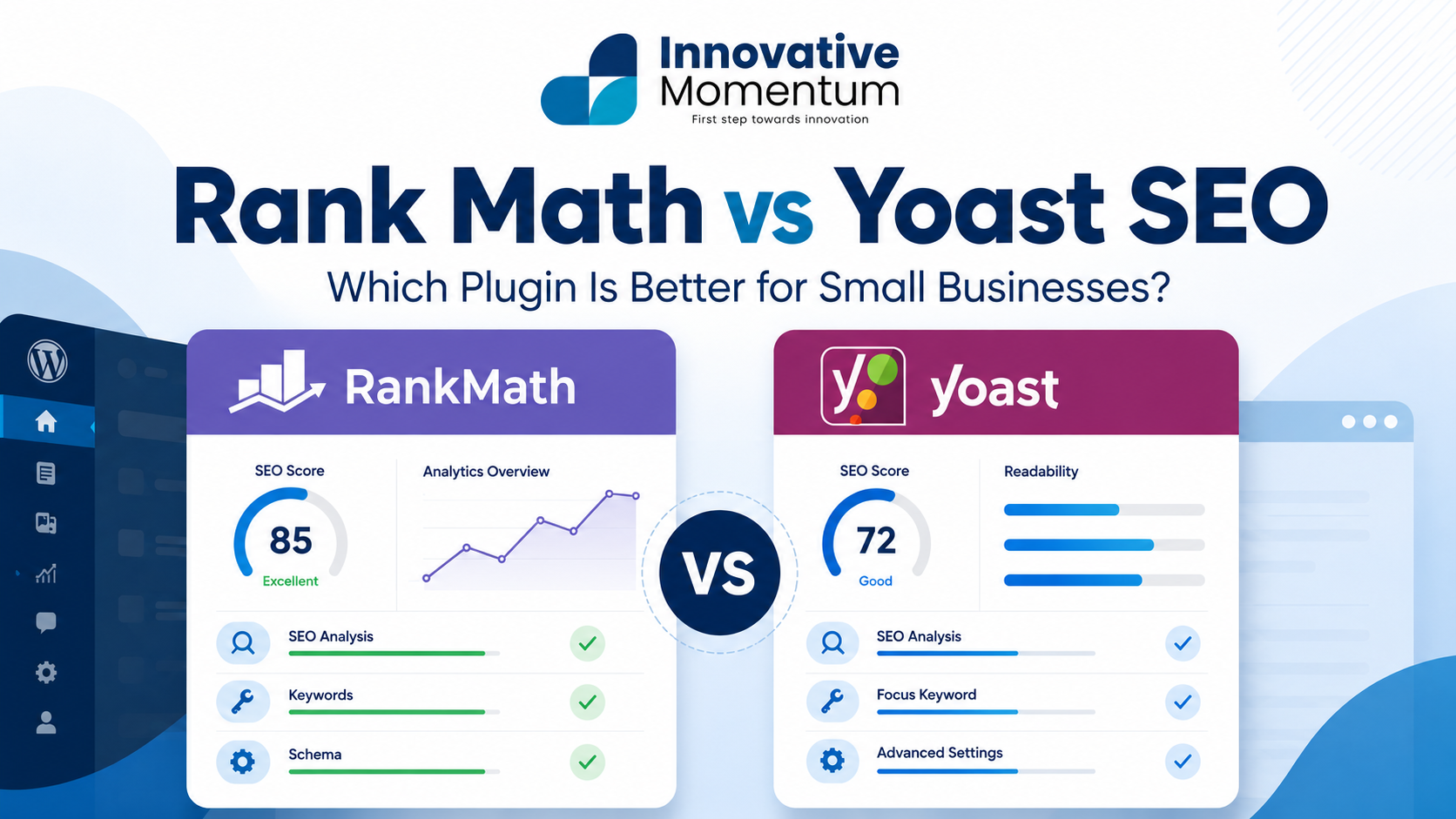
Rank Math vs Yoast SEO: which plugin is better for small businesses in 2026?
Both plugins do the same core job. The differences are real, but narrower than most people think. Here is what actually matters when you are choosing between them.
Most small business owners agonize over this choice far longer than it deserves. They read forum threads from 2022, watch YouTube comparisons that are two major versions out of date, and then spend a week undecided while their site sits there without either plugin configured properly. The honest answer is that both Rank Math and Yoast SEO will serve you well. Pick one, set it up correctly, and spend your energy on the content and links that actually move rankings. That said, the differences between them do matter for specific situations, so let us work through them properly.
What both plugins do (the common ground)
Before comparing them, it helps to see where they are identical. These are the features that every serious WordPress SEO plugin must deliver, and both Rank Math and Yoast handle all of them in their free tiers.
Where they differ: the real comparison
The table above makes them look almost identical. Here is where the gaps open up.
Rank Math: who it’s best for
Rank Math has steadily taken ground from Yoast since its launch in 2019 by offering what used to be paid features at no cost. For a small business owner who wants to configure SEO once and have it work well, Rank Math’s free tier is genuinely comprehensive.
- 20+ schema types free, including Local Business, FAQ, and Product
- Built-in 404 monitor and redirect manager with no paywall
- Local SEO module included free (Yoast charges separately)
- Tracks up to 5 focus keywords per post in the free tier
- Lighter on page load than Yoast on equivalent setups
- Connects GSC data directly into the post editor
- Settings panel has a lot of options, which can paralyze non-technical users
- The schema builder is powerful but has a steeper learning curve
- Newer plugin; some edge-case themes and plugins have had compatibility issues
- Support quality varies depending on when you reach out
Rank Math has steadily taken market share from Yoast since 2019 by offering the paid-tier features of Yoast for free. As of 2025, Rank Math is installed on over 3 million active WordPress sites, up from roughly 200,000 at launch.
The best fit for Rank Math is a small business owner or developer who is comfortable navigating WordPress settings, runs a site with local business schema needs (address, hours, map), writes FAQ content that benefits from FAQ schema in search results, and wants to manage 301 redirects without paying for a premium plugin or adding a separate redirect plugin.
Yoast SEO: who it’s best for
Yoast has been running since 2010, which means it has been tested against more themes, page builders, and plugin combinations than almost any other WordPress plugin in existence. That history matters more than people give it credit for.
- The oldest and most battle-tested WordPress SEO plugin (16 years)
- Traffic light system is immediately legible to non-technical content editors
- Broader compatibility record across themes and builders
- Excellent documentation and a large community for troubleshooting
- The interface genuinely reduces the chance of misconfiguration
- Redirect manager is paid-only ($99/year for Yoast Premium)
- Local SEO requires a separate paid add-on
- Only 1 focus keyword per post in the free tier
- Fewer schema types in the free tier
- Slightly heavier on page load than Rank Math
Yoast is the right call for a business where the person writing blog posts and updating pages is not the same person who set up the site. The traffic light scoring system, which turns green when the content meets the plugin’s SEO criteria, removes the need to understand why something matters. Non-technical content editors can follow it without training. That alone is worth a lot for small teams.
The migration question: switching between them mid-site
If you have 50 or more blog posts with Yoast meta data and want to move to Rank Math, the process is easier than most people expect, but it is not zero-risk.
Rank Math includes a built-in Yoast importer. When you run it, it pulls all your existing title tags, meta descriptions, and focus keywords from Yoast’s database fields and writes them into Rank Math’s corresponding fields in one pass. For most sites, this works cleanly. The process takes under five minutes.
Where things get complicated: if you have been using Yoast Premium’s redirect manager to handle 301 redirects, those are stored in Yoast’s own database table. Rank Math’s importer does not migrate them. You will need to export them manually (Yoast has a CSV export option), then import them into Rank Math’s redirect manager. Missing this step means broken links for any URL you had previously redirected, which affects both user experience and any link equity those old URLs had accumulated. Our technical SEO audit checklist covers redirect auditing in detail if you want a systematic approach.
Before switching SEO plugins on a live site with existing content: export a full database backup, test the migration on a staging copy first, verify at least 10 representative posts for correct title and meta data after import, and confirm your sitemap re-generates and submits correctly in Google Search Console within 48 hours.
One more thing worth noting: after the switch, your XML sitemap URL will change format (Rank Math and Yoast use slightly different URL patterns by default). If you have already submitted your Yoast sitemap to Search Console, submit the new Rank Math sitemap URL after migration. The old one will return 404 and Search Console will flag it, but it does not cause any lasting ranking damage as long as you update it promptly.
The verdict: which one to install
There is no single right answer, but there are three clear situations where the choice is straightforward.
More features at no cost, redirect manager included, and no migration risk because you are starting fresh.
Don’t switch unless you specifically need the redirect manager or advanced schema free. Migration risk isn’t worth a marginal improvement.
The simpler interface reduces the chance of misconfiguring something important. The traffic light system genuinely helps non-developers.
The one scenario where switching an established site from Yoast to Rank Math clearly pays off: you are spending $99/year on Yoast Premium primarily for the redirect manager, and you have a developer available to run the migration carefully. Rank Math gives you that functionality for free.
Whatever you choose, the plugin is not the deciding variable in your rankings. Content quality, the authority of the sites linking to you, Core Web Vitals performance, and E-E-A-T signals matter considerably more than whether you use Rank Math or Yoast to output your title tags.
Frequently asked questions
Can I use both plugins at the same time?
No. Running both plugins simultaneously creates duplicate meta tags, duplicate sitemaps, and conflicting schema output. Search engines will receive contradictory signals and your sitemap submissions will become unreliable. Pick one and disable or delete the other before activating your chosen plugin.
Does the choice of SEO plugin directly affect my rankings?
Not significantly. Both plugins output the same fundamental SEO signals: title tags, meta descriptions, canonical tags, schema, sitemaps. Your rankings depend on content quality, the quality and quantity of sites linking to you, Core Web Vitals, and E-E-A-T signals. No SEO plugin generates those for you. A well-configured Yoast installation will perform identically to a well-configured Rank Math installation, all else being equal.
Is Rank Math free actually free, or will I hit a paywall?
The free tier is genuinely comprehensive for most small businesses. You get the redirect manager, local SEO module, advanced schema, and 5 focus keywords per post at no cost. The paid tier ($59/year as of 2025) adds Content AI credits for AI-assisted writing suggestions, advanced analytics, and client reporting features. Those additions are useful for agencies managing multiple client sites, but they are not typically necessary for a single business running its own website.
Should I worry about the performance difference between the two plugins?
Rank Math is measurably lighter, typically 0.1 to 0.3 seconds faster page load on the same server and theme setup. For most sites, this is negligible and falls well within normal page speed variance. However, if your site is already close to failing the Largest Contentful Paint threshold (2.5 seconds), that margin can matter. If page load performance is a concern, read our guide on Core Web Vitals for small businesses first and see how much of your load time is coming from images, hosting, and render-blocking resources rather than the SEO plugin.
Not sure whether your site’s SEO setup is actually working? We audit WordPress sites for small businesses and tell you exactly what to fix first, whether that is your plugin configuration, your title tags, your sitemaps, or something further upstream.
How AI features in SEO plugins are changing the game
Both Rank Math and Yoast now include built-in AI writing tools. Rank Math Content AI, available on their paid tier, analyzes your draft in real time and suggests improvements to keyword coverage, internal linking opportunities, and your overall content score. Yoast AI SEO can generate meta descriptions and rewrite sentences to improve readability scores. These features are arriving at exactly the moment when the majority of web content is starting to be written with AI assistance in the first place.
There is an interesting tension worth understanding here. If you write an article with ChatGPT or Claude, you still need Rank Math or Yoast to handle the technical on-page signals. The AI writing tool and the SEO plugin are doing different jobs. The writing tool produces text. The SEO plugin manages the metadata, sitemap entry, schema markup, and robots directives that tell Google what the page is about and whether to index it. One does not replace the other, and treating them as competing options is a mistake that leads to well-written content that search engines cannot properly interpret.
A practical workflow for AI-assisted content: draft with an AI tool, then run the content through Rank Math or Yoast’s analysis panel before publishing. Both plugins give you a content score and a specific list of items to address. Use that list as your final QA checklist before hitting publish. For Rank Math, an 80 or higher content score is a reasonable target. For Yoast, aim for green on all three traffic lights covering SEO, readability, and cornerstone content status. The analysis panel catches things that AI writing tools consistently miss: thin internal linking, missing related keywords, meta descriptions that are too long or too short, and heading structures that confuse crawlers.
One caution worth noting: the AI-generated meta descriptions produced by both plugins tend to be generic. Write meta descriptions manually. A plugin-generated meta that reads “Learn about Rank Math vs Yoast SEO for WordPress” will be rewritten by Google in most cases anyway, which means you lose control of what shows up in search results. A specific, benefit-led meta description like “Rank Math gives you more for free. Yoast is simpler to use. Here is which one to install.” earns a higher click-through rate and is more likely to survive Google’s rewrites intact, because it signals clearly what the page delivers and for whom.
As AI writing tools become standard, the role of SEO plugins shifts from helping you write optimized content to verifying and formalizing the technical signals around content you have already written. The plugin becomes your pre-publish checklist, not your writing assistant.

Keep reading
Related insights


No comments yet. Be the first to share your thoughts.