
Key takeaway
The best time to ask for a review is within 24 hours of a positive customer interaction A direct review link removes the friction that stops most customers following through Responding to every review signals active management to both Google and prospective customers Review gating (only asking happy customers) violates Google's policies and risks profile suspension 10 recent reviews carry more local ranking weight than 100 reviews from two years ago
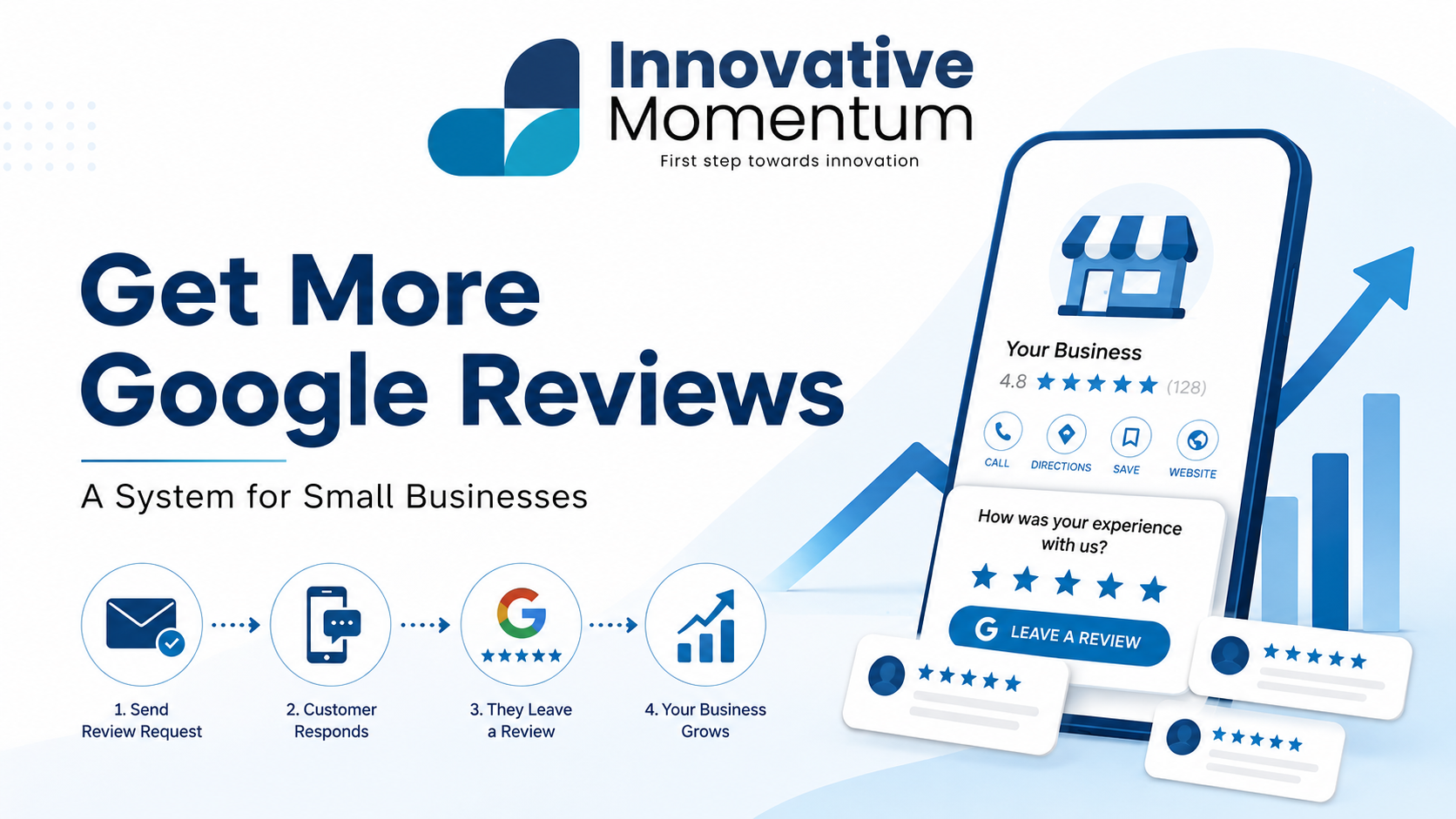
How to get more Google reviews: a system for small businesses that works consistently
Google reviews affect two things directly: where you appear in local search results and whether someone who finds you actually calls. A business with 4.8 stars and 60 reviews beats a business with 4.9 stars and 8 reviews in both local pack ranking and click-through rate. The difference is not the decimal point in the rating. It is the volume of social proof.
Most businesses get their first reviews organically, then plateau somewhere around 15 to 20 and wonder why growth stopped. The answer is almost always the same: they stopped asking, or they never had a repeatable system to ask in the first place. Good intentions are not a system.
Why you’re not getting reviews (the real reason)
Most clients who had a good experience with you do not leave a review because they forget, not because they do not want to. That distinction matters. The problem is not ill will or indifference. It is that the window between “satisfied client” and “published review” is short, and nothing in your current process keeps the window open long enough for them to act.
There are three things that close that window early.
The 48-hour window
The best time to ask for a review is within 48 hours of a successful project completion or a visibly positive interaction. Ask too early, before the work is finished, and the review cannot be meaningful. Wait two or three weeks and the motivation fades. The client has moved on, the goodwill is still there in the abstract, but it no longer has the urgency that produces action. Ask within two days of the moment your client felt genuinely satisfied, and your conversion rate on review requests roughly doubles compared to asking later.
Friction
Most people do not know how to find a business’s Google review form. They would have to search for your business name, find the listing, scroll past photos and hours, locate the “Write a review” button, and then decide whether they are signed into Google. Many give up somewhere in that chain. Sending a direct link collapses that entire path into a single tap.
No system
When asking for a review depends on whether the right person remembers to bring it up, review volume is random. Some months you get four, some months you get none. A system replaces memory-dependence with a defined trigger: this type of interaction, this channel, within this window. Consistency follows from the system, not from effort.
Creating your Google review link
Before any system can work, you need a direct link that takes someone straight to your review dialog. Here is how to get it.
- Sign in to business.google.com.
- Find your business and navigate to the Home tab.
- Look for the “Get more reviews” card and click “Share review form.”
- Copy the short link Google generates.
This link bypasses search entirely. The person who clicks it lands directly on the review dialog with your business already selected. That one change, swapping a vague ask for a direct link, is the single highest-leverage thing most small businesses can do today.
The difference between asking “please leave us a review on Google” and sending a direct review link is a 3 to 5x difference in conversion rate. People want to leave the review. The friction of finding your listing is what stops them.
Once you have the link, save it somewhere your whole team can access: a shared note, a pinned Slack message, the draft of the follow-up email you are about to write. You will use it across all three channels below.
The three-channel ask system
No single channel reaches every client equally well. The right channel depends on how you interacted with them and what information you have. Using all three covers most situations without requiring much additional effort per client.
Email follow-up (best for project-based services)
Send within 48 hours of project completion. The email should be short: four to five sentences. Open by thanking them by name for working together. The second sentence should reference something specific to the project, a detail that proves this is not an automated blast. The third sentence makes the direct ask: if they have a minute, a Google review would mean a lot, and here is the link. Close with your direct contact information. That is the entire email. No preamble about being a small business. No explanation of why reviews matter. Just the direct ask, grounded in something personal.
The specificity in sentence two is what separates an effective follow-up from one that gets archived. When someone reads a reference to the actual project you worked on together, the request feels personal. When they read “as a valued customer,” it feels like a mail merge.
Text message (highest open rate, best for service businesses)
Text message open rates run around 98 percent. Email open rates for small businesses typically fall between 20 and 25 percent. For trades, home services, or any business where the primary interaction happened in person, a two-sentence text with your review link often outperforms a longer email. Something along the lines of: thanks again for having us out today, if you have a moment to leave us a Google review here is the direct link.
Use text if you have the client’s mobile number from scheduling and the interaction was primarily in person. Use email when the relationship is more formal, the project spanned multiple weeks, or you want to say something more specific than two sentences can hold.
In-person ask with QR code
Print a small card with a QR code that links directly to your review form. Leave it at checkout, include it with your invoice, or hand it at the moment the work is complete. A verbal ask at the moment of highest satisfaction, while the client is still standing in front of the finished work or shaking your hand at the door, is the most immediate version of this. “If you’re happy with how it came out, a Google review helps us a lot. Here’s a card with the link so you do not have to search for us.” That is the whole script.
Free QR code generators are available at qr-code-generator.com and similar sites. Generate the code once, drop it into a business card template, and print a small stack. This is a one-time setup that pays for itself on the first review it generates.
Responding to reviews: why and how
Google’s local algorithm treats review engagement as an ongoing activity signal. Businesses that respond to reviews show the algorithm that the profile is actively managed, which correlates with higher local pack placement. Beyond the ranking effect, responses are read. When someone is comparing two plumbers and both have 50 reviews, they will often scroll through how each business handles the negative ones.
Respond to every review, positive or negative, within 72 hours.
Responding to positive reviews
Do not just write “thanks for the kind words.” Thank the reviewer by name, reference something specific to their project or interaction, and include your business name and one service keyword naturally once in the response. This is a legitimate on-page signal. A response like “Thank you, Maria, working on the kitchen renovation with your family was a great project for us at Sunrise Contracting” accomplishes all three things in a single sentence. Keep the response short. Excessive responses read as performance rather than gratitude.
Responding to negative reviews
This is where most small businesses make costly mistakes. The instinct is to be defensive, to explain what the reviewer got wrong, or to rebut the details. That instinct consistently makes the situation worse. The person reading your response is not the reviewer. It is the 200 people who encounter that review over the next two years and want to see how you handle disagreement.
Keep the response to four sentences. Acknowledge the concern without admitting liability. Express that this is not the experience you want anyone to have. Offer to resolve it offline and provide a direct contact method. Do not include the other party’s private information. Do not argue about facts. The goal is to show prospective clients that you are the kind of business that takes issues seriously. That is the entire job of the response.
What to do when reviews slow down
Every business hits a plateau. You put the system in place, collect 30 or 40 reviews over six months, and then the volume drops off because the team slips back into asking inconsistently. A few tactics restart momentum without burning goodwill.
Re-ask past clients who had positive interactions but never left a review. A message to your email list two or three times per year, framed around a milestone, works well: “We just hit 50 reviews on Google. If you have enjoyed working with us and have not had a chance to leave one, here is the direct link.” This does not feel like spam if you do it sparingly and keep the framing genuine.
Add the review link to your email signature. “Happy with our work? Review us on Google” with a hyperlink takes 30 seconds to set up and generates a trickle of reviews from every email you send from that point forward.
Add a reviews section to your website that surfaces your Google rating and links directly to the review form. Trust signals on your website reinforce the ask. When a potential client sees 4.8 stars displayed on your site and clicks through to see 60 detailed reviews, the ask to leave a review themselves feels natural rather than cold.
Train every team member who has client contact to make the verbal ask, not just the owner. The owner cannot be everywhere. If your technicians, account managers, or front-desk staff understand that a verbal ask at the right moment is part of their job, review volume scales with the size of your team rather than with the capacity of one person.
What not to do: practices that get reviews removed or accounts suspended
Google’s review policies are specific, and violating them carries real consequences. The following are mistakes small businesses sometimes make when trying to accelerate review growth. Each one carries risk that ranges from review removal to full profile suspension.
Offering incentives. Discounts, free services, gift cards, or any other compensation in exchange for a review is explicitly prohibited by Google’s review policy. Google detects these patterns, removes the reviews, and in repeated cases suspends the business profile. The reviews you earned through an incentive program can disappear overnight. The clients who left them got something from you; you got nothing lasting in return.
Asking employees to leave reviews. Google’s systems flag review patterns that show unusual clustering, identical devices, the same IP address ranges, or reviews that go up in batches from accounts with little other activity. Employee reviews are a common source of these signals. Do not do it.
Using third-party review generation services that post fake reviews. These services are periodically purged at scale. Businesses that bought packages of 20 or 30 reviews have woken up to find their rating reset because all of those reviews were removed at once. You lose the reviews and the money you paid for them, and your profile may be flagged for further scrutiny.
Review gating. This practice involves first asking clients whether they are satisfied, and only sending the review link to those who say yes. Google’s policy prohibits review gating because it creates an artificially one-sided review profile. Every client should receive the same ask. You are allowed to ask for an honest review. You are not allowed to pre-screen for positive sentiment before deciding who gets the link.
Frequently asked questions
Can I remove a negative Google review?
You can flag a review for removal if it violates Google’s content policies. Grounds for removal include spam, fake content clearly written by someone who was never a customer, off-topic content, prohibited content (harassment, personal information), and conflict of interest (a competitor leaving a negative review). Google does not remove reviews simply because the business disagrees with them or finds them unfair. If the review does not meet a policy violation threshold, the only path forward is a professional response and earning enough new positive reviews over time to change the overall rating. Respond well and move on.
How many Google reviews do I need to rank in the local pack?
There is no stated minimum. Google has never published a threshold. However, research from BrightLocal consistently shows that businesses with 40 or more reviews appear in the local pack significantly more often than those with fewer. In competitive markets, the top three results in most service categories carry 100 or more reviews. Review count is one factor among many in the local algorithm, alongside proximity, relevance, and how complete your Google Business Profile is. But it is a factor, and one you can control directly.
Do reviews on Yelp or Facebook help my Google ranking?
Not directly. Google’s local algorithm draws primarily from Google reviews when evaluating social proof for local pack placement. Reviews on Yelp, Facebook, or industry-specific platforms like Houzz or Angi do not move your Google Maps position. They do, however, build overall trust with prospective clients who research you across multiple platforms, and they drive their own referral traffic from those platforms’ own search functions. Both are worth maintaining. Neither replaces the work of building your Google review count.
Review volume is not a vanity metric. It is a direct input into whether your business appears when someone in your service area searches for what you do, and it is part of what converts that search into a phone call. The mechanics are straightforward. The execution just requires a system that does not depend on anyone remembering to ask.
Most small businesses that are serious about local search treat reviews as one part of a larger local presence strategy, alongside a complete and well-maintained Google Business Profile, consistent NAP data across directories, and local on-page optimization. All of those pieces work together.
If you want help building a local search presence that converts, from your Google Business Profile to the review system that keeps it growing, reach out to Innovative Momentum. We work with small businesses on exactly this kind of work.
How AI can help you manage reviews without faking them
The most time-consuming part of Google review management is not getting reviews, it is responding to them. Writing a personalized, professional response to 50 reviews per month takes real time. AI writing tools like ChatGPT and Claude are now widely used to draft review responses. The workflow is straightforward: copy the review text, paste it into the AI with a brief context note (“small web design agency in Austin, respond professionally under 4 sentences”), edit the output for your voice, then post. This approach cuts response time from 3 to 5 minutes per review down to under 60 seconds. The output still needs human review, but the drafting step is eliminated entirely.
AI sentiment analysis tools can surface patterns across your entire review set that are invisible when you read reviews one at a time. If 40 percent of your negative reviews mention “response time” and you have been treating each complaint individually, an AI summary reveals the systemic issue behind all of them. Services like Google’s own Business Profile insights, Birdeye, and Podium include AI-generated review summaries that identify the most common themes across your reviews. This feeds directly into service improvement: the reviews tell you what to fix, and the AI summary tells you what the reviews say at scale.
One thing AI tools are actively being used for that crosses a clear line: writing fake reviews. It is worth being explicit about why this fails beyond the ethical problem. Google’s review quality system has improved substantially at detecting AI-generated text submitted as reviews. The vocabulary patterns, sentence structures, and content patterns of AI-written reviews are flagged and the reviews are removed, often in batches after a delay. Businesses that use AI to generate fake reviews typically see a sudden drop of 20 to 40 reviews at once when Google runs a quality sweep. This harms the rating and triggers additional scrutiny on the profile. The only safe approach is the one described throughout this guide: systematic asks to real clients after real interactions.
AI is also useful for the content that reviews feed into. Positive reviews are raw material for testimonials, case study quotes, service page social proof, and proposal appendices. An AI tool can take 30 recent five-star reviews and generate a summary of client outcomes for your about page, a set of pull quotes formatted for a testimonials section, and a list of the specific services clients mention most often. This is not marketing spin. It is taking what clients actually said and organizing it into usable content.
AI is useful for responding to reviews faster and analyzing what your reviews say at scale. It is not a shortcut around earning them. The ask has to come from a real person who had a real interaction — there is no version of AI that replaces that.

Keep reading
Related insights

No comments yet. Be the first to share your thoughts.