
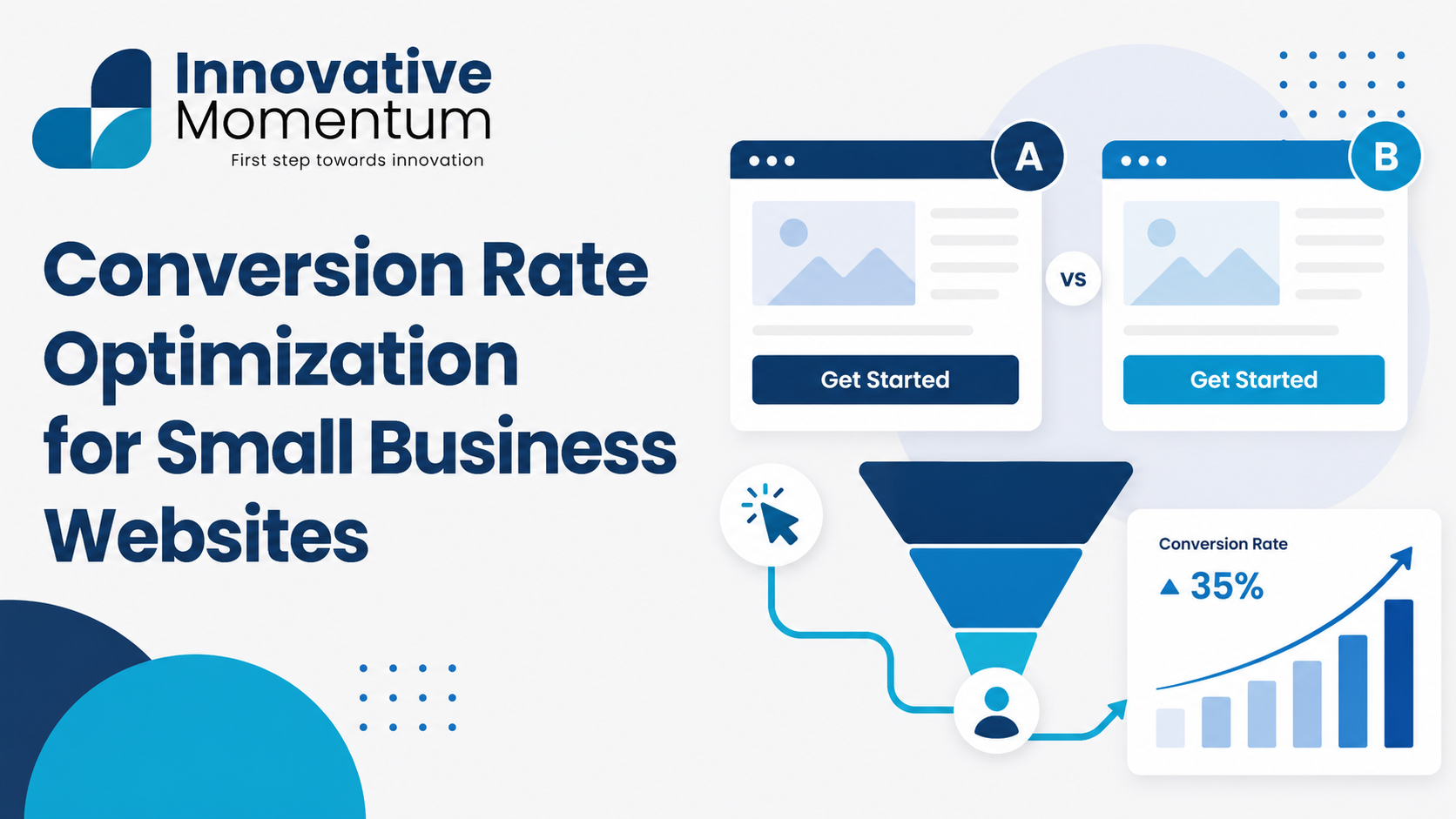
Key takeaway
The highest-impact CRO changes for small business websites are clearer headlines, faster load times, and a prominent call to action above the fold — most sites see 20–50% improvement from these three fixes alone.
Conversion rate optimization (CRO) is the process of increasing the percentage of website visitors who take a desired action — filling in a contact form, calling your business, making a purchase, or booking a consultation. Most small businesses focus almost entirely on getting more traffic, while leaving significant lead generation potential untouched in how their existing traffic is handled. A site converting 2% of visitors generates the same enquiries as doubling traffic while maintaining a 1% rate — without any additional marketing spend.
This guide covers the CRO framework for small business websites, the specific elements that affect conversion rate most, and how to identify and prioritize improvements using data rather than guesswork.
Understanding Your Current Conversion Rate
Before optimizing anything, establish a baseline. Your conversion rate = (conversions / sessions) x 100. A “conversion” depends on your business objective: a contact form submission, a phone call (tracked via call tracking), a booking, an email opt-in, or a purchase. Track each of these separately in Google Analytics as distinct goals so you can see which pages and traffic sources are performing.
Average conversion rates vary significantly by industry and traffic source. Organic search traffic typically converts at 2-4% for B2B services; paid traffic often converts at 1-3% (lower intent mix). A 1% conversion rate on a B2B service site with a long sales cycle may be strong performance; the same rate on an e-commerce site is worth investigating. Compare your rate against your own historical data before benchmarking against industry averages, as traffic quality and business model differences make cross-company comparison misleading.
Innovative Momentum
Want to implement these strategies for your business?
We help businesses grow with digital marketing, SEO, and AI-ready content strategies.
The Conversion Hierarchy: What to Fix First
CRO problems exist in a hierarchy. Fixing lower-priority issues before addressing foundational ones wastes time. Address in this order:
- Technical barriers: Pages that do not load, forms that do not submit, errors that prevent checkout. These kill conversions completely. Fix immediately.
- Trust and credibility: If visitors do not believe you can deliver what you promise, they will not convert regardless of how well your CTA is positioned. Reviews, credentials, case studies, and transparency about your business are foundational.
- Clarity: Visitors should understand what you do, who it is for, and what to do next within seconds of landing on your site. Unclear value propositions and confusing navigation lose conversions before the visitor reaches a CTA.
- Friction: The number of steps required to convert, form field count, and the cognitive effort of the process. Reduce friction after trust and clarity are established.
- Incentive and urgency: The final layer — limited offers, guarantees, bonuses — that improves an already-clear, trusted, frictionless conversion path.
Page Speed and Core Web Vitals
Page speed is both a direct conversion factor and an indirect one via SEO and bounce rate. Studies consistently show that every additional second of load time reduces conversion rate, with mobile users particularly sensitive. A page loading in 5 seconds on mobile has a 70% higher bounce rate than a page loading in 1 second. The correlation is not just correlation — slow pages create frustration and uncertainty that increases exit intent before a visitor ever sees your offer.
Google’s Core Web Vitals (LCP, INP, CLS) measure the user experience dimensions that most affect engagement and conversion. LCP measures how quickly the main content loads; INP measures how responsive the page is to interactions; CLS measures visual stability (elements jumping around as the page loads). Our guide on Core Web Vitals for small businesses covers the specific fixes for each metric, and our website speed optimization guide covers the broader performance improvements that improve both Core Web Vitals and conversion rate.
The Homepage: First Impressions
Your homepage must answer three questions within 5 seconds: what do you do, who is it for, and what should I do next. Most small business homepages answer these questions in paragraph three or four — too late for the majority of visitors who have already decided whether they are in the right place. The above-the-fold content (what is visible without scrolling) should contain: a clear headline stating your value proposition, a supporting subheadline with one more level of specificity, and a primary CTA.
Value proposition clarity test: ask someone unfamiliar with your business to look at your homepage for 5 seconds, then cover the screen and ask them what the business does. If they cannot answer accurately, your headline is not doing its job. The most common failure is leading with what you are (“We are a full-service digital marketing agency”) rather than what the visitor gets (“More qualified leads from your website, guaranteed in 90 days”).
Trust Signals and Social Proof
Trust is built through specificity and evidence, not claims. “High quality work” is a claim; “23 five-star reviews averaging 4.9/5” is evidence. “Experienced team” is a claim; “15 years serving Manchester businesses, 340 projects completed” is evidence. Where possible, convert your claims into quantified, verifiable evidence.
The most impactful trust signals for small business websites:
- Customer reviews with full names: Anonymous reviews have limited credibility. Reviews attributed to real people (even first name and company) are substantially more persuasive. Google reviews embedded via widget provide both credibility and the reviewer’s profile picture.
- Case studies with specific outcomes: “We helped your ideal client achieve measurable results in a realistic timeframe” outperforms generic testimonials. Numbers matter: percentage improvement, revenue generated, time saved.
- Client logos: Recognizable client logos signal that real businesses have trusted you. Even one well-known name provides more credibility than ten unknown names.
- Credentials and affiliations: Professional certifications, industry memberships, awards, and accreditations visible on the site.
For Google reviews specifically, our guide on how to get more Google reviews covers the systematic approach to building a strong review profile.
Contact Forms and CTAs
Contact form optimization is one of the highest-leverage CRO activities for service businesses. Every additional field in a contact form reduces the likelihood of completion. The minimum viable form for most B2B service businesses is: name, email, and one qualifying field (e.g. “Tell us briefly what you need help with”). Phone number fields reduce completion rate for B2B services because they signal an immediate sales call — consider making phone optional or removing it unless call volume is a priority.
CTA button copy matters. Generic CTAs like “Submit” and “Contact Us” have lower conversion rates than specific, benefit-oriented CTAs. Compare:
- “Submit” — what does the user get?
- “Get My Free Quote” — they get a free, personalized quote
- “Book a 30-Minute Strategy Call” — they get a time-bounded, specific interaction
The specific CTA that works best depends on your audience and offer — test variations to find what resonates with your specific visitors.
Our guide on B2B website lead generation tactics covers contact form and CTA optimization in the context of the full B2B conversion funnel, including lead magnet strategy and nurture sequences.
Using Data to Find Conversion Opportunities
CRO without data is guesswork. Before making changes, understand where visitors are dropping off. Key diagnostic tools:
- Funnel visualization in GA4: Shows where users exit your conversion path. If 80% of visitors who reach your contact page leave without submitting the form, the form itself is the issue. If 80% exit from the pricing page, the issue may be price presentation or lack of trust signals at that stage.
- Heatmaps and session recordings: Tools like Hotjar and Microsoft Clarity (free) show where users click, how far they scroll, and where they hesitate. A heatmap showing that 60% of homepage visitors never scroll past the first section tells you the above-fold content is not creating enough interest to scroll further.
- Exit surveys: Short one-question surveys shown when a visitor is about to leave (“What prevented you from getting in touch today?”) provide direct, qualitative insight into objections.
For a complete picture of your site’s technical health and on-page factors that affect CRO, our technical SEO audit checklist covers the overlapping technical factors between SEO performance and conversion rate.
For a CRO audit of your specific website, contact Innovative Momentum for a conversion-focused website review.
Frequently Asked Questions
What is a good conversion rate for a small business website?
Average conversion rates vary by industry (1-5% for most B2B services) and traffic source (organic usually outperforms paid on quality, not volume). Rather than benchmarking against industry averages with different traffic mixes, focus on improving your own conversion rate over time. A 20% improvement in conversion rate from your current baseline — achieved through iterative testing and optimization — is a more actionable goal than hitting an abstract industry average.
Should I run A/B tests on my website?
A/B testing is valuable, but requires sufficient traffic to reach statistical significance. A website receiving 500 visitors per month will take months to generate enough data for a reliable A/B test result. At low traffic volumes, qualitative methods (user interviews, exit surveys, heatmaps) generate actionable insights faster than A/B tests. Move to systematic A/B testing when you have enough traffic for tests to reach significance within 2-4 weeks.
What is the single highest-impact CRO change for most small business websites?
For most small businesses, the highest-impact change is improving the homepage value proposition — making it absolutely clear what the business does and for whom, within the first screen. This affects every visitor, regardless of traffic source, and sets the context for all subsequent conversion elements. After clarity, social proof (real customer reviews and specific case studies) typically has the next highest impact.
Mobile Conversion Optimization
Mobile devices generate more than 60% of web traffic in most markets, yet mobile conversion rates typically lag desktop conversion rates by 30-50% on the same website. The gap is almost entirely attributable to design decisions that work acceptably on desktop but create significant friction on mobile: tap targets too small to press accurately, form fields that trigger the wrong keyboard type, text too small to read without zooming, and page layouts that require horizontal scrolling. Each friction point in the mobile experience reduces the probability that a mobile visitor converts.
Mobile-specific CRO priorities:
- Tap target size: Every interactive element — buttons, links, form fields — must be at least 44×44 pixels. Elements smaller than this are regularly mis-tapped on touchscreens, causing frustration and increasing abandonment.
- Form field keyboard types: Use the correct HTML input type for each field. Phone number fields should use type=”tel” to trigger the numeric keypad. Email fields should use type=”email” to trigger the email-optimized keyboard. Date fields should use type=”date” to trigger the date picker. These are simple HTML attributes that significantly improve form completion rate on mobile.
- Thumb zone design: Research on thumb reach patterns shows that mobile users interact most comfortably with content in the lower portion of the screen. Primary CTAs positioned at the bottom of the screen (within easy thumb reach) perform better on mobile than CTAs requiring extended thumb reach or a second hand.
- Sticky CTA on scroll: For mobile service business pages, a sticky CTA bar that remains visible as the visitor scrolls (containing a click-to-call button or short contact form) dramatically increases contact rates from mobile visitors who would otherwise have to scroll back to the top to find contact information.
Core Web Vitals — particularly INP (Interaction to Next Paint) and CLS (Cumulative Layout Shift) — affect mobile conversion rates directly. A page where elements jump as it loads, or where taps take more than 200ms to respond, creates a fundamentally poor mobile experience. Our guide on Core Web Vitals for small businesses covers the specific technical fixes for mobile performance issues that affect both rankings and conversion rate.
CRO and SEO: The Compound Effect
Conversion rate optimization and SEO share a mutually reinforcing relationship that makes investing in both simultaneously more effective than either alone. SEO brings more qualified organic traffic; CRO converts more of that traffic into leads. But CRO improvements also indirectly support SEO: lower bounce rates, higher time on page, and more pages per session are all positive user engagement signals that Google interprets as evidence that visitors find the content valuable. A page that converts better is usually a page that also performs better in organic search over time.
The specific CRO improvements most likely to produce positive SEO feedback: improving page speed (affects both ranking and conversion simultaneously), improving content clarity (reduces bounces while also making the page more relevant to search queries), and improving mobile experience (mobile conversion rate improvements align directly with Google’s mobile-first indexing priorities). For the technical foundation that supports both SEO and CRO, our guide on technical SEO audits covers the site health factors that affect both channels. For a conversion rate audit of your specific website, contact Innovative Momentum.

Keep reading
Related insights
No comments yet. Be the first to share your thoughts.